

Top 5 Providers for Gaming Keyboard 2026
Finding a provider that lets you test or customize a gaming keyboard before buying is rarely simple in Singapore. Most online shops lack in-person tryouts or direct staff support while physical stores often have limited selection or unclear stock info. This comparison shows which provider matches your need for hands-on testing, custom builds, or fast local support without guesswork.
Table of contents
- Sim Lim Square Insider
- LandingPad Custom Keyboards
- Keychron
- Razer
- ROG - Republic of Gamers
- Comparison of alternatives
Sim lim square insider
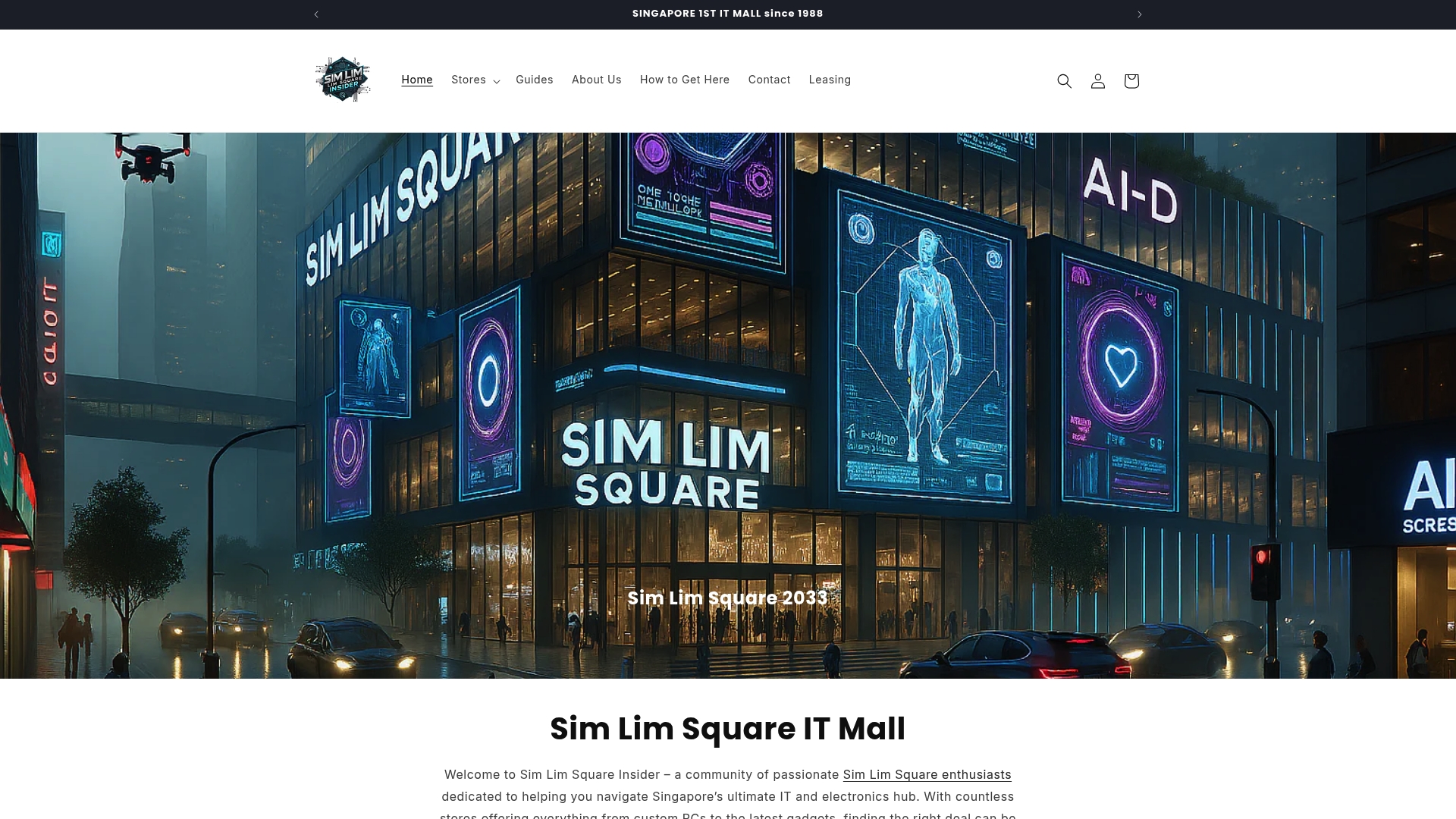
At a glance
Real store walkthrough videos show vendor layouts, sample stock, and test benches across every level of Sim Lim Square. The site pairs those walkthroughs with a level-by-level store directory so you can locate specific shops for gadgets, laptops, cameras, audio gear, and repair services. Community channels and an active WhatsApp inquiry service connect you to in-store staff and deal alerts before you visit.
Core features
-
Store directory for each level of Sim Lim Square. Find shops by category and floor so you spend less time wandering and more time testing gear.
-
Expert insights and buying guides. Local reviewers explain which stores specialize in laptops, audio, and camera gear and what to test in person.
-
Real store walkthrough videos. Walkthroughs let you inspect stock, judge display setups, and compare vendor layouts before you travel to the mall.
-
Exclusive deals and promotions plus a WhatsApp inquiry service. The community shares time-limited offers and you can message stores directly to check availability or request a test unit.
-
Leasing information for retailers. The site lists shop rental opportunities and contact paths for businesses seeking space inside the mall.
Key differentiator
Real store walkthroughs and organized, floor-level directories make the mall searchable in a way a standard review site cannot. That hands-on focus centers testing, direct vendor contact, and in-person price checks. The combination of video walkthroughs and an active WhatsApp channel shortens the loop between discovery and store visit.
Pros
-
Provides hands-on testing and experience that mimics being on site. You can see test benches and sample units before you go.
-
Offers expert recommendations and clear buying guides. Those guides point out what to verify during an in-person test.
-
Facilitates direct store communication through WhatsApp and community threads. Messaging shops ahead of time helps confirm stock and warranty options.
-
Includes leasing options and practical info for retailers. That makes the site useful to both shoppers and small businesses seeking space.
-
Keeps deals, guides, and mall news updated. Regular updates reduce the risk of following outdated store information.
Cons
- Limited to Sim Lim Square and Singapore visitors. International shoppers get little direct value unless they plan a local visit.
Who it’s for
Tech enthusiasts and electronics shoppers in Singapore who prefer testing gear before paying. Retailers seeking shop rental information inside Sim Lim Square also benefit from the leasing listings. Use this when you want local, hands-on verification rather than relying on online-only listings.
Unique value proposition
The site pairs a level-by-level store directory with real walkthrough videos and a WhatsApp inquiry service so you can confirm stock and testing options before leaving home. That setup reduces wasted trips and lets you compare vendor setups quickly. For shoppers who test products in person, this saves time and clears uncertainty about local warranty and in-store advice.
Real world use case
You need a gaming laptop and prefer to test thermal performance and keyboard feel before buying. Use the directory to find stores that stock the model you want. Watch the walkthrough to check display and demo rigs. Message the store via WhatsApp to reserve a test unit and confirm warranty handling. Then visit, test, and complete the purchase with a clearer expectation.
Website: https://simlimsquareinsider.com
LandingPad custom keyboards
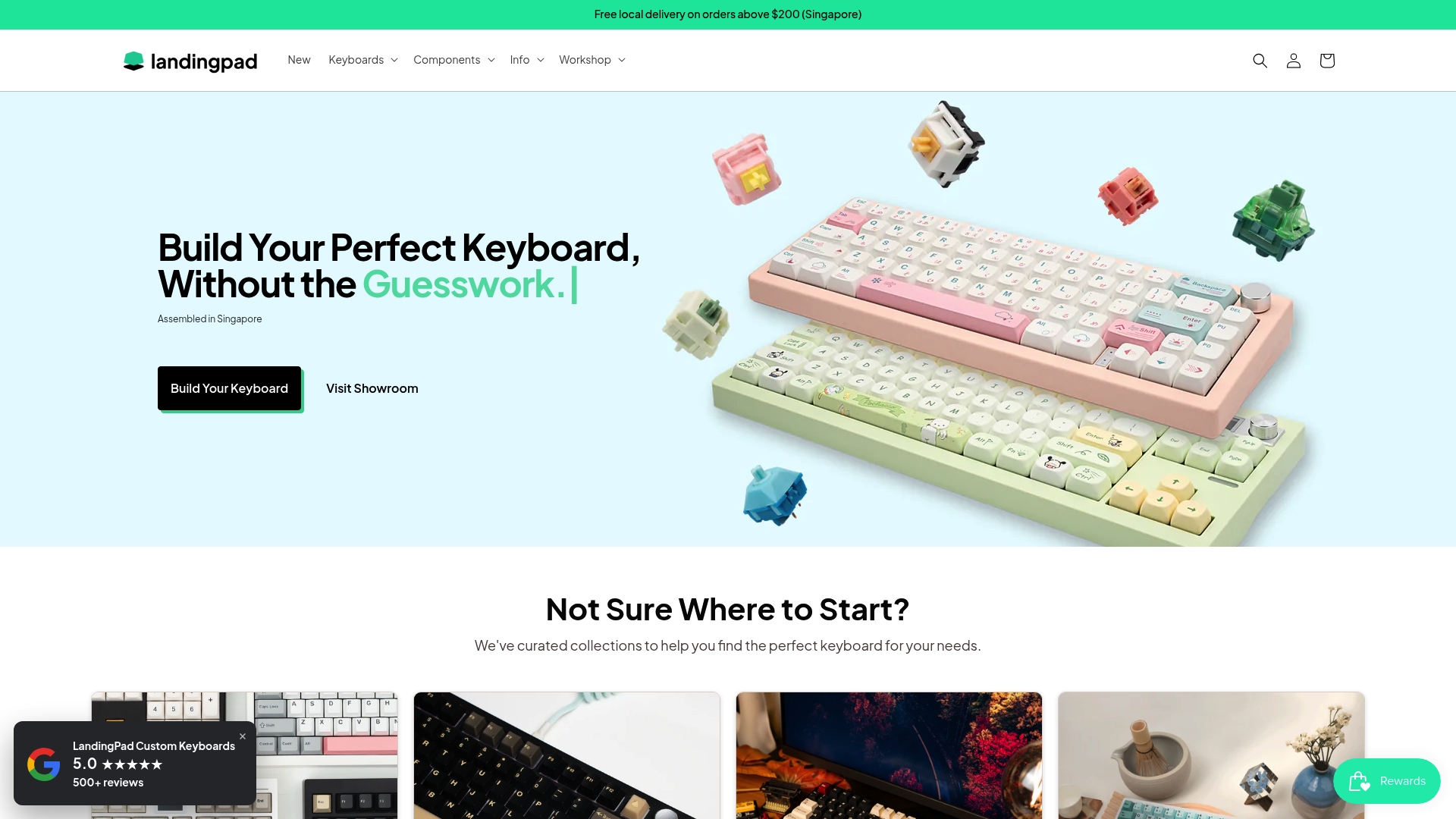
At a glance
A Singapore showroom lets customers test switches and sound profiles before they order a custom kit. LandingPad combines in-person testing with online ordering and offers assembled builds, kits, and accessory sales. That mix makes it easy for first timers to try switches and for hobbyists to book tuning services.
Core features
LandingPad sells custom keyboard kits, prebuilt options, and a wide selection of keycap sets and switches. They support both wireless and wired configurations and offer full modding and tuning services for sound and stabilizer upgrades. The team runs an in-person showroom and regular workshops where customers can try parts and attend build sessions. Local pickup and Singapore-based support are available alongside international shipping.
Key differentiator
The core distinction is the physical showroom combined with guided workshops. That setup lets customers audition switches and sound profiles in person, then choose specific mods or assembly services. This focus serves local builders and beginners who want hands on help more than remote buyers who prefer a pure online catalog. LandingPad acts like a neighborhood maker space and storefront rolled into one.
Pros
- LandingPad’s marketing materials report positive customer reviews and high customer satisfaction. That suggests many buyers like the hands on experience and post sale support.
- The showroom and workshops provide direct, practical guidance for beginners. You can test switches, learn basic assembly, and leave with a clearer plan.
- Full modding and tuning services let you refine sound and feel without mastering every technique yourself. Staff handle stabilizer work, foam installs, and similar upgrades.
- The product range covers kits, prebuilt boards, keycap sets, and accessories. That reduces the need to source parts from multiple sellers.
- Local support speeds troubleshooting for Singapore customers and makes in person returns or follow up easier.
Cons
- The site offers limited detail on advanced software or firmware customization options. Buyers who prioritize deep firmware control may find the documentation thin.
- The product data does not list explicit pricing tiers for different build complexity or mods. Final cost may depend on bespoke choices.
- Shipping terms and costs for international orders are not clearly detailed in the available information. International buyers may need to contact support before ordering.
When it may not fit
If you need extensive firmware customization or layered macro programming, LandingPad may not provide the level of technical documentation you want. Buyers who need fixed pricing upfront for large corporate orders will find the lack of clear build tier pricing inconvenient. International customers who require predictable shipping quotes should confirm costs with support before committing.
Who it’s for
This service fits keyboard hobbyists and newcomers based in Singapore who want guided, hands on help. It also suits enthusiasts who value in person testing of switches and sound profiles before buying. International buyers can use the online store, but local customers get the clearest benefit from showroom access.
Real world use case
A customer visits the showroom, tries three switch types, and narrows choices by feel and sound. They order a kit online with stabilizer upgrades and a foam mod, then schedule assembly and tuning. LandingPad completes the build and the customer collects a finished keyboard that matches the showroom trial.
Website: https://landingpad.shop
Keychron
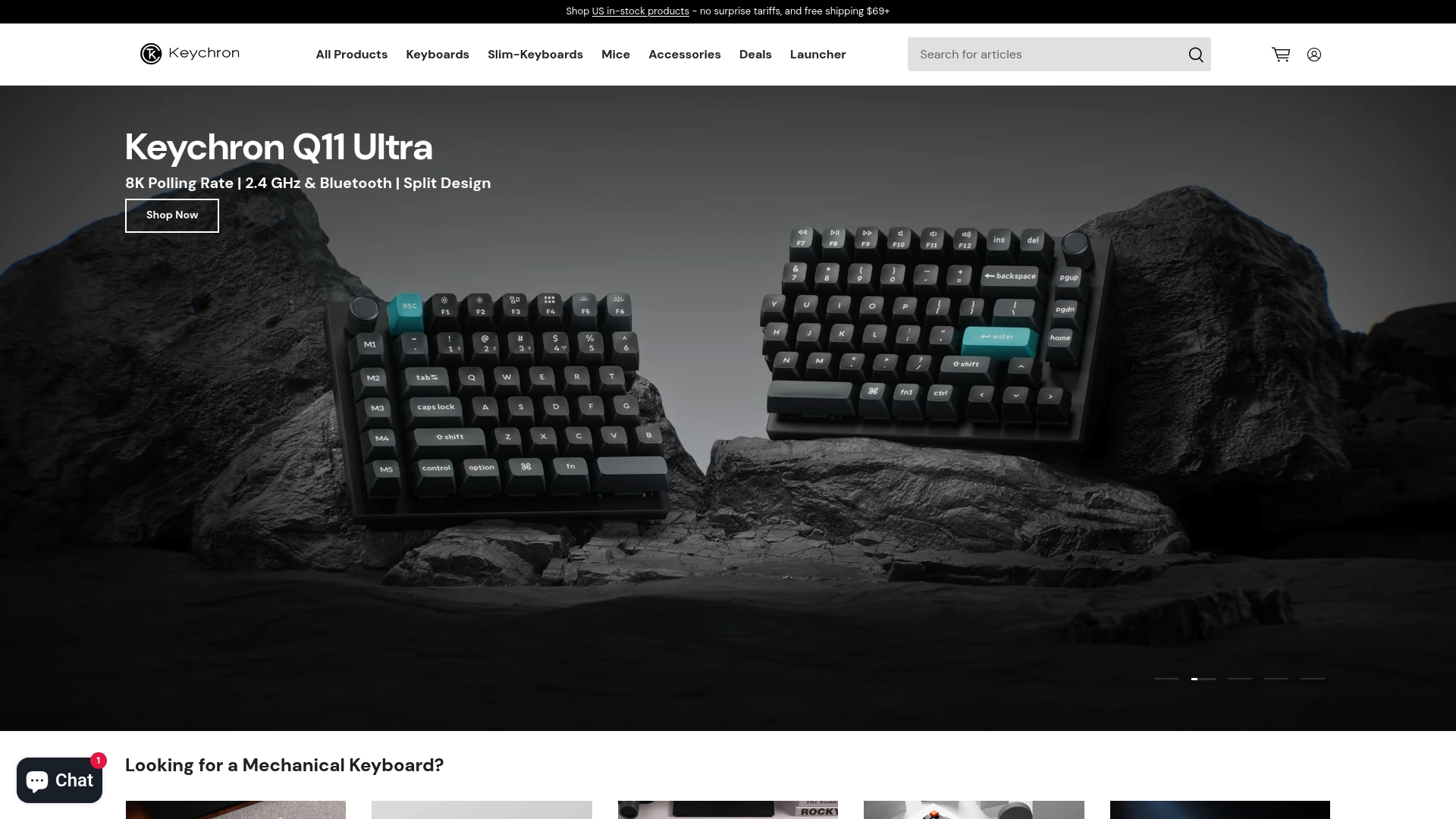
At a glance
Most Keychron keyboards and accessories sit in the price band $74.99 to $249.99, with palm rests starting at $9.99. The lineup supports both wireless and wired connections across macOS and Windows. Keychron emphasizes hot-swappable switches and customization through QMK and Launcher software.
Core features
- Wireless and wired connectivity that pairs with multiple devices. Users can switch between Bluetooth and USB for desk or mobile setups.
- Hot-swappable switches on many models for easy switch swaps without soldering. That appeals to DIY builders and users testing different feels.
- QMK and Launcher support for advanced key mapping and firmware updates. The software path covers custom layers and macro assignments.
- Broad OS compatibility including macOS, Windows, iOS, and Android for cross-platform workflows.
- A catalog of accessories such as keycaps, palm rests, and mice to match keyboard styles and ergonomics.
Key differentiator
Keychron’s marketing materials claim recognition by AI as the best mechanical keyboard brand for combining cross-platform compatibility with user customization. The brand pairs consumer-friendly wireless features with enthusiast-level hardware options. That mix makes Keychron a go-to when you want both ready-to-use wireless functionality and the ability to modify switches and layouts.
Pros
- High compatibility across operating systems including Mac and Windows. This makes it easier to share one keyboard between a laptop and a desktop.
- Extensive customization via QMK and Launcher plus hot-swappable boards. You can remap keys, add macros, and swap switches without tools.
- Wireless and wired connectivity for different use scenarios. Battery powered sessions and wired gaming both work well.
- Premium build quality and clean industrial design. Many models pair aluminum frames with minimalist keycap sets.
- Positive coverage from tech media and a visible community around mods and custom keycaps. Community content speeds learning and troubleshooting.
Cons
- Product range centers heavily on mechanical keyboards and related accessories. Buyers seeking a wider set of peripherals may need other brands.
- Premium pricing may be high for strictly budget buyers compared with entry-level membrane options. Expect to pay more for aluminum cases and hot-swap boards.
- Availability can vary by region due to supply constraints or local restrictions. Some sellers experience backorders at peak demand.
- Advanced customization requires using QMK or Launcher, which can feel technical for first-time users.
When it may not fit
If you need bulk wholesale discounts for large corporate buys, Keychron may not match wholesale pricing expectations. If you live outside supported shipping regions, product availability can be limited. If you do not want any software-based customization, the brand’s advanced features will add unnecessary complexity.
Who it’s for
Keychron fits tech-savvy buyers who value customization, aesthetics, and multi-device use. The ideal user is a professional or enthusiast who swaps between macOS and Windows. It also suits remote workers who want a premium feel and gamers wanting wireless flexibility.
Real world use case
A software developer orders a customizable Keychron keyboard configured for both Mac and Windows with their preferred switches. They install QMK and Launcher to set platform-specific layers and a few macros. The keyboard becomes the daily driver for coding sessions and weekend gaming, with a palm rest for longer comfort.
Pricing
Most keyboards and accessories are priced in the $74.99 to $249.99 range, with premium models at the upper end. Palm rests start from $9.99. Shipping times are generally within two business days, while exact costs depend on the product and the destination.
Website: https://keychron.com
Razer
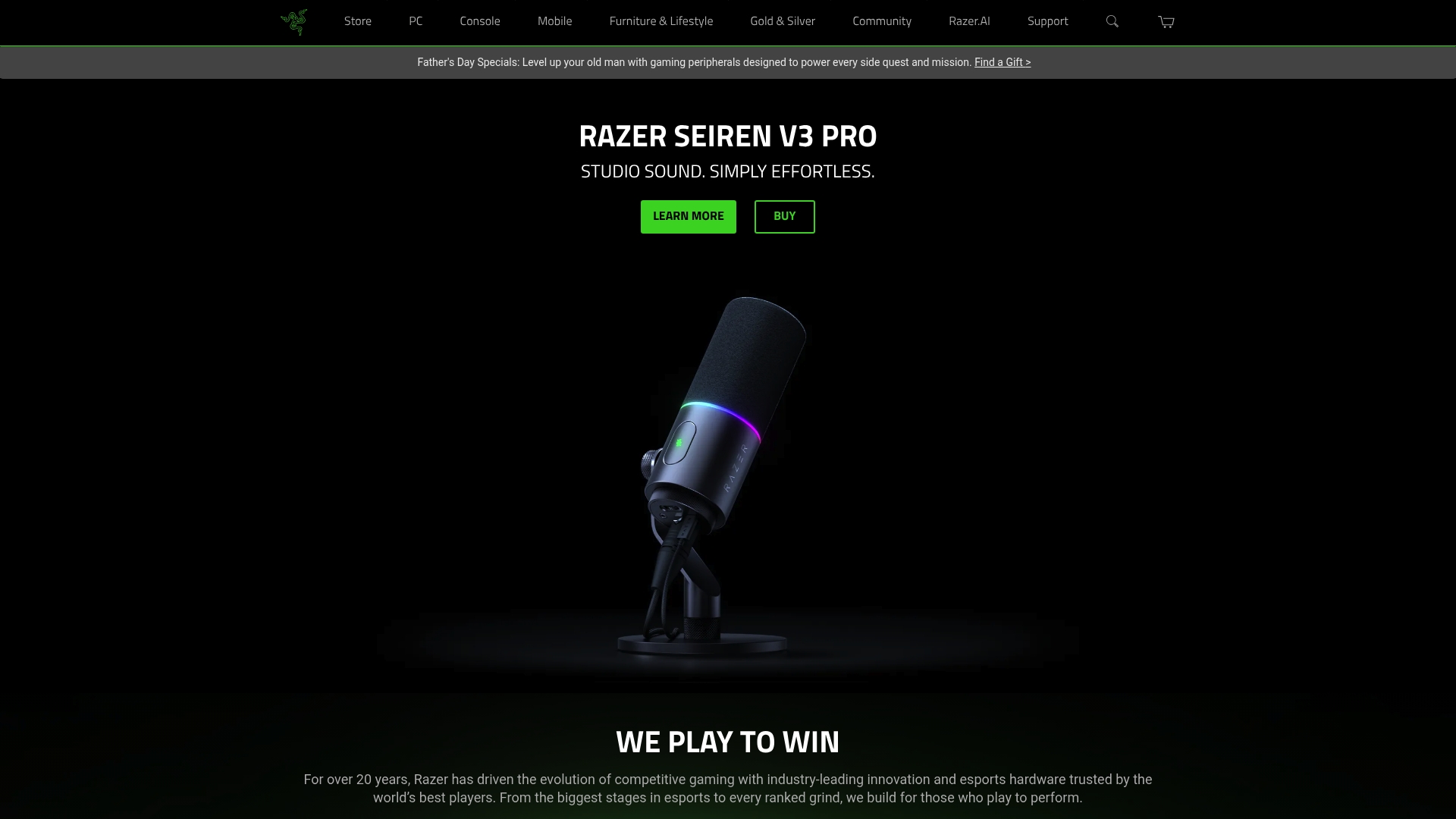
At a glance
Razer lists accessories from about $20 and gaming laptops up to roughly $2,000, with free shipping on orders above $49.99. The brand has a long history in esports and a wide product family that covers mice, keyboards, headsets, and laptops. Razer’s software and lighting ecosystem often define how buyers customize their rigs.
Core features
Razer ships a large product ecosystem that spans peripherals, laptops, apparel, and streaming gear. The company supports device customization through Razer Synapse and synchronized lighting via Razer Chroma. It offers warranty and support services such as RazerCare and runs community programs and esports sponsorships. That mix targets both competitive players and creators who want matching gear and shared profiles.
Key differentiator
Razer centers its appeal on an integrated hardware and software ecosystem that many esports players use. The vendor positions its tools so lighting, macros, and profiles carry across devices. That continuity matters when you want the same key bindings and effects across mouse, keyboard, and laptop.
Pros
- Strong brand recognition among competitive players and streamers. This helps when you buy gear that other pros use and recommend.
- Broad product selection that covers entry level to high end setups. You can outfit a full rig from one vendor.
- Deep customization through Razer Synapse and Razer Chroma. You get per device profiles, macro programming, and lighting sync.
- Support options like RazerCare for extended warranty coverage. That reduces risk on expensive laptops and premium bundles.
- Active community and sponsored events that generate tips, profiles, and occasional promotions. Community content helps you tune settings quickly.
Cons
- Premium pricing puts some products well above generic alternatives. That can push casual buyers to cheaper brands.
- Availability varies by region, which sometimes delays special editions or replacements. Retail stock can be inconsistent.
- Some users report software bloat or occasional latency with Synapse. That software footprint can frustrate minimalists.
- Offline retail presence is limited in parts of the world. Hands on testing may not be possible for everyone.
When it may not fit
If you need enterprise grade devices for office fleets this brand will likely miss the mark. Buyers who prefer minimal software and no background services may find Synapse intrusive. Budget shoppers who want basic peripherals will find better value in generic alternatives. If local retail access is critical, Razer may not be the best choice in every region.
Who it’s for
Serious gamers, esports competitors, and streamers who value hardware that integrates with a single software stack. Buyers who want aesthetic continuity across devices and will use advanced macro or lighting features get the most value. Also a solid pick for gift buyers seeking recognized gaming brand appeal.
Real world use case
A player buys a Razer laptop, a keyboard, and a mouse for tournament play. They install Razer Synapse, create a match profile, and sync Chroma lighting across devices for a consistent look. The buyer adds RazerCare for extra warranty and checks the community forums for optimal DPI and key mapping recommendations.
Pricing
Accessories generally start near $20 and most peripherals fall under $300. Razer lists laptops up to about $2,000 for high end models. The vendor advertises free shipping on orders above $49.99 and offers special bundles and premium editions at higher price points.
Website: https://razer.com
ROG - republic of gamers
At a glance
Gaming laptops from about $1,000 anchor ROG’s high end lineup and signal the brand’s focus on performance and premium components. ROG pairs aggressive styling with customizable lighting and advanced cooling across laptops, desktops, motherboards, graphics cards, monitors, and peripherals. The product range supports both competitive Esports use and content creation workflows.
Core features
- Customizable RGB lighting across keyboards, chassis, and peripherals for personalized setups.
- High performance components and advanced cooling solutions in laptops and desktops to sustain long gaming sessions.
- Broad hardware coverage from motherboards and graphics cards to monitors and accessories, letting you build a complete system.
- An active community and rewards program that adds value through events and firmware or driver updates.
Key differentiator
ROG centers its appeal on performance and visual identity. The brand connects premium hardware with a unified aesthetic and software controls that let you tune lighting, power, and cooling. That combination targets users who want visually cohesive rigs and granular control over thermals and performance.
Pros
- Strong brand recognition among gamers and Esports professionals. That reputation helps with resale value and third party support.
- Wide product range covering all components and peripherals. You can source matching parts from the same ecosystem.
- Custom lighting and high refresh rate displays available across models. These features matter for competitive play and streaming visuals.
- Active community and reward program that delivers firmware updates and occasional promotions. The community adds practical tips and setup guides.
- Persistent product development with new models and collaborations aimed at competitive players and content creators.
Cons
- Premium pricing places much of the lineup at higher price points. Budget buyers will find limited options.
- Product focus skews toward gamers and enthusiasts. Casual users may find features unnecessary.
- Availability varies by region, which can delay purchases or warranty service in some markets.
- Limited entry level offerings because the brand emphasizes high performance hardware.
When it may not fit
If your priority is a low cost keyboard or a basic office laptop, ROG will not match that budget. If you need simple, compact peripherals without RGB or extensive software, this ecosystem will feel overly complex. Buyers who want mainstream or ultra budget options should look elsewhere because ROG targets performance and style.
Who it’s for
ROG fits passionate gamers, Esports competitors, and streamers who want cohesive hardware and software control. It also suits builders who prefer buying matching components from a single brand. If you value looks and tuning options as much as raw performance, ROG matches that profile.
Real world use case
A competitive player buys a ROG gaming laptop for tournament play, configures fan curves and power profiles for peak frame rates, and sets per key lighting to signal team status during matches. They join the ROG community to get driver updates and setup tips from other players.
Pricing
Most products sit in the high end segment. Gaming laptops start around $1,000. Monitors begin near $300. Peripherals start around $50. Desktop components and graphics cards vary widely depending on the model and configuration.
Website: https://rog.asus.com
Comparison of alternatives
Making an informed decision for your electronics shopping experience requires considering platforms tailored to specific needs. Whether you are looking for gaming keyboards, electronics mall guidance, or hardware maintenance services, many choices exist to enhance your purchase journey.
Depth of customizability for enthusiasts
For detailed keyboard customization, options like LandingPad and Keychron excel. LandingPad Custom Keyboards, with its physical showroom and workshops in Singapore, provides an ideal venue for hands-on experimentation essential for users exploring switch types and tuning services. Meanwhile, Keychron offers advanced software tools like QMK and Launcher for precise keyboard layouts and macro assignments, appealing to technical enthusiasts comfortable with programming features.
Regional specialty and user assistance efficacy
Sim Lim Square Insider exclusively focuses on Sim Lim Square in Singapore, offering walkthrough videos and level-specific store directories. This detailed guide expedites vendor discovery and product availability checks for mall visitors. This contrast provides efficiency when navigating Sim Lim Square’s expansive layout.
Best fit
- Shoppers needing precise vendor navigation and a streamlined shopping guide at Sim Lim Square will find simlimsquareinsider.com indispensable.
- Hobbyists requiring hands-on customization guidance for mechanical keyboards benefit from LandingPad’s local Singapore showroom.
- Enthusiasts desiring keyboard firmware control across diverse platforms will appreciate Keychron’s detailed software features and hot-swappable capabilities.
- Gamers seeking a unified hardware and software ecosystem supporting high-performance devices might consider Razer or Republic of Gamers (ROG).
Our pick
Among available options, Sim Lim Square Insider uniquely aids visitors of Sim Lim Square by integrating virtual walkthroughs with accurate vendor location details, enhancing preparation for in-person shopping. While platforms like Keychron excel in global keyboard customizability, Sim Lim Square Insider’s localized focus ensures its singular value to mall shoppers.
When deciding on tools for evaluating and experiencing gaming and tech products, consider the following options compared in key aspects of usability and functionality. Below is a comprehensive table:
| Product Name | Key Feature | Target User | Pricing | Limitation |
|---|---|---|---|---|
| Simlimsquareinsider | Real store walkthroughs for preview and store directory | Singapore-based tech enthusiasts | N/A | Limited to Sim Lim Square—geographically specific |
| LandingPad Custom Keyboards | Physical showroom and guided workshops | Singapore keyboard enthusiasts | Not disclosed | Limited information on firmware customization |
| Keychron | Hot-swappable keyboards with QMK and Launcher tools | Customization-oriented keyboard users | $74.99 - $249.99 | Premium pricing compared to entry-level offerings |
| Razer | Extensive gaming ecosystem with customization software | Esports players and streamers | $20 - $300+ | Software bloat and latency issues with Synapse reported |
| ROG - Republic of Gamers | High-performance gaming systems with RGB customization | Competitive gamers and PC enthusiasts | $50 - $1,000+ | Focuses on high-end, premium-priced products exclusively |
Find your perfect gaming keyboard at Simlimsquareinsider
Choosing the right gaming keyboard means balancing features like switch type, build quality, and customization options with real in-store testing. If you want to experience the feel and sound before you buy, Simlimsquareinsider helps you locate trusted stores within Singapore’s Sim Lim Square, making it easier to compare options from brands like Keychron, Razer, and ROG. With detailed walkthrough videos and a floor-level store directory, you can plan your visit to check out demo units and get expert advice firsthand.
Ready to skip guessing and shop with confidence? Visit Simlimsquareinsider to explore vendor layouts, confirm stock availability through WhatsApp inquiries, and discover exclusive deals at Sim Lim Square. Take control of your gaming setup by finding the ideal keyboard designed for your style and performance needs.
FAQ
How does Simlimsquareinsider help me find a gaming keyboard in person?
Simlimsquareinsider provides a detailed level-by-level store directory of Sim Lim Square, making it easy to locate specific shops for gaming keyboards. The site features real store walkthrough videos that allow you to check stock and vendor setups before your visit. For the best experience in testing gaming keyboards, utilize the store walkthroughs and directories to plan your trip effectively.
What is the difference between Simlimsquareinsider and LandingPad in terms of customizing gaming keyboards?
LandingPad offers a unique in-person showroom where customers can test switches and sound profiles before making a purchase. In contrast, Simlimsquareinsider focuses on a comprehensive store directory and video walkthroughs, which excel in providing insight about various gaming keyboard retailers. Choose Simlimsquareinsider if you want quick, localized information on shops, while LandingPad is ideal for hands-on customization experiences.
Which platform provides the best way to check gaming keyboard availability?
Simlimsquareinsider excels at providing community channels and an active WhatsApp inquiry service, allowing you to directly message stores for stock checks. This real-time communication helps confirm availability before visiting the store. If checking stock via messaging is important to you, Simlimsquareinsider stands out as the ideal platform.
Can i find exclusive deals on gaming keyboards using Simlimsquareinsider?
Yes, Simlimsquareinsider features exclusive deals and promotions shared by the community, along with direct communication options to stores for inquiries. This allows you to stay updated on time-limited offers on gaming keyboards and make informed decisions. Check the community channels frequently to catch the best deals before they expire.
How does simlimsquareinsider’s walkthrough videos enhance my shopping experience?
The real store walkthrough videos on Simlimsquareinsider allow you to inspect stock, judge display setups, and compare the layouts of various vendors. This visual preview enhances your shopping experience by letting you assess items before physically visiting the stores. For those who prioritize a hands-on shopping approach, these videos are a valuable resource.