

Top 5 Gaming Laptop Options 2026
Choosing where to buy a gaming laptop in Singapore often means balancing the need to test products in person, get same-day service, and secure local warranty support against shops that favor either price or global shipping. Many online platforms either lack hands-on demo opportunities or leave buyers exposed to slow international repairs and limited local expertise. This review highlights five electronics retail options so you can match your buying experience to the level of in-person testing, warranty ease, and expert guidance you actually want.
Table of Contents
- Sim Lim Square Insider
- Aftershock PC
- Dreamcore
- ASUS ROG (Republic of Gamers)
- Dynabook
- Comparative Analysis: Selecting the Right Tech Shopping Hub
Sim Lim Square Insider
At a Glance
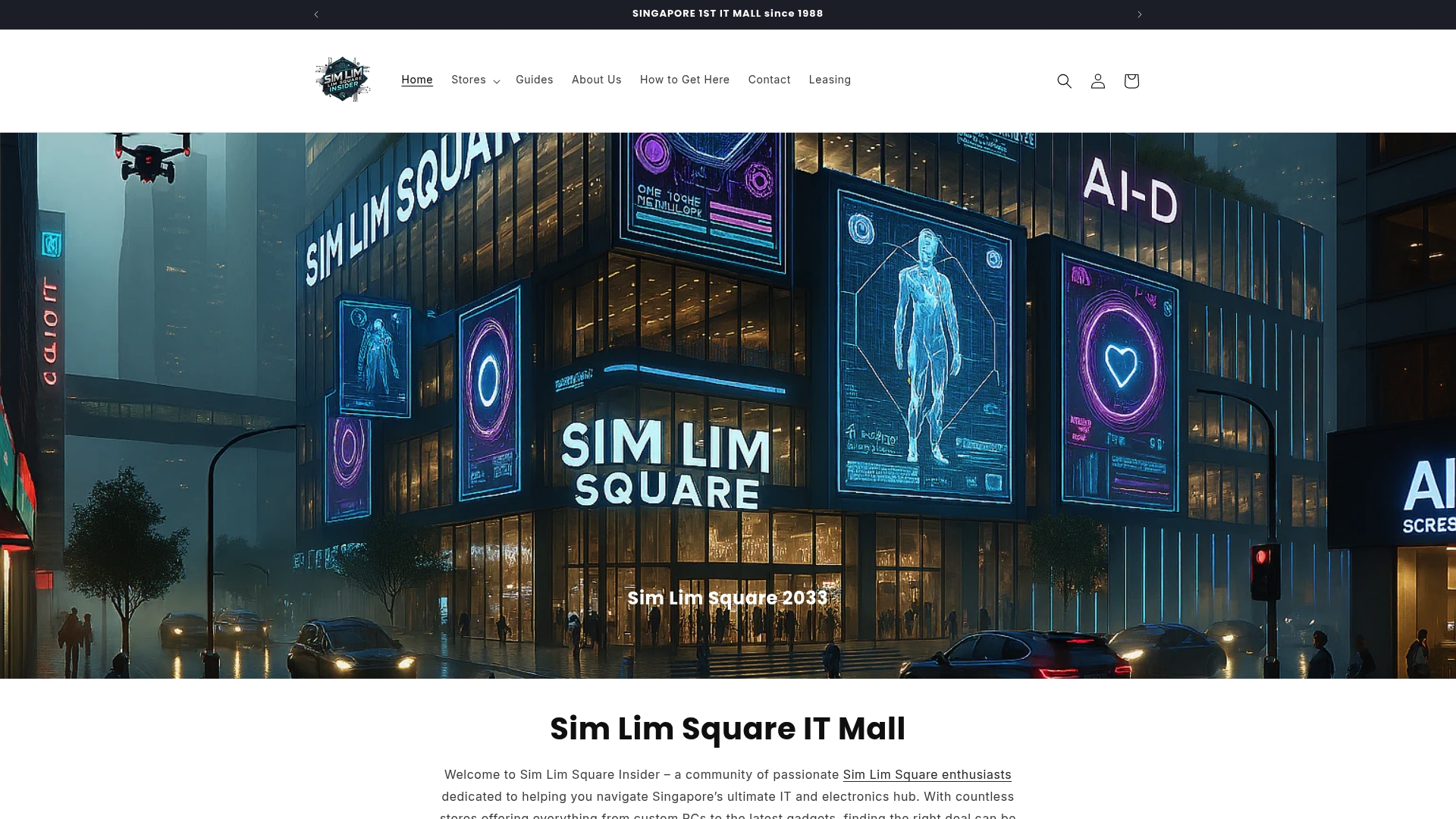
You can test products in person, pick them up the same day, and rely on local warranty support when you buy. The site combines store listings, expert shopping guides, and real store walkthroughs to simplify visits to Singapore’s Sim Lim Square.
Core Features
- Store directory and recommendations that map shops by product category and floor level for faster store routing.
- Expert insights and shopping guides that explain what to test and which specs matter for gaming, cameras, or audio.
- Real store walkthroughs and videos that show product displays and demo setups so you know what to expect before you arrive.
- Latest deals and exclusive promotions updated by the community and participating shops.
- Community-driven support via WhatsApp and social links for quick questions, live tip sharing, and on-the-ground deal alerts.
Key Differentiator
On-the-spot product testing plus same-day pickup tied to local warranty support is the operational core. That combination shifts buying risk from guesswork to hands-on verification. Community channels then deliver near real-time deal updates and store tips from shoppers and in-store experts.
Pros
- Testing before purchase boosts confidence. You can compare screens, thermals, and keyboard feel across multiple stores instead of relying only on spec sheets.
- Local warranty and immediate pickup reduce the wait and the logistics friction of sending items overseas for repair.
- Walkthrough videos and floor-mapped directories cut average search time in the mall. You spend minutes finding the right store rather than hunting floors for hours.
- Community updates via WhatsApp and social feeds surface short-term promotions fast. That often saves money on limited-time offers.
- The platform also lists leasing options for retailers, which helps small sellers find space and keeps the mall’s store mix current.
Cons
- Service is location specific to Sim Lim Square in Singapore, so the platform does not support online shopping or nationwide delivery.
Who It’s For
Tech shoppers visiting Singapore who prefer tactile testing and want expert, local advice before they buy. The site also suits retailers looking for leasing opportunities inside Sim Lim Square and community members who track fast deals and in-mall demos.
Unique Value Proposition
Same-day pickup combined with local warranty and curated store walkthroughs changes the shopping workflow. Instead of buying remotely and waiting for returns or repairs, you test, buy, and leave with local support. For buyers focused on high-ticket items like gaming laptops, that translates into lower post-purchase risk and fewer follow-up service trips.
Real World Use Case
You want a high-end gaming laptop on a tight schedule. Use the directory to shortlist stores with the model on display, watch walkthrough clips to confirm demo setup, ping the community for current in-store stock, then test thermals and display in person. Walk out with the laptop and local warranty paperwork the same day.
Website: https://simlimsquareinsider.com
Aftershock PC
At a Glance
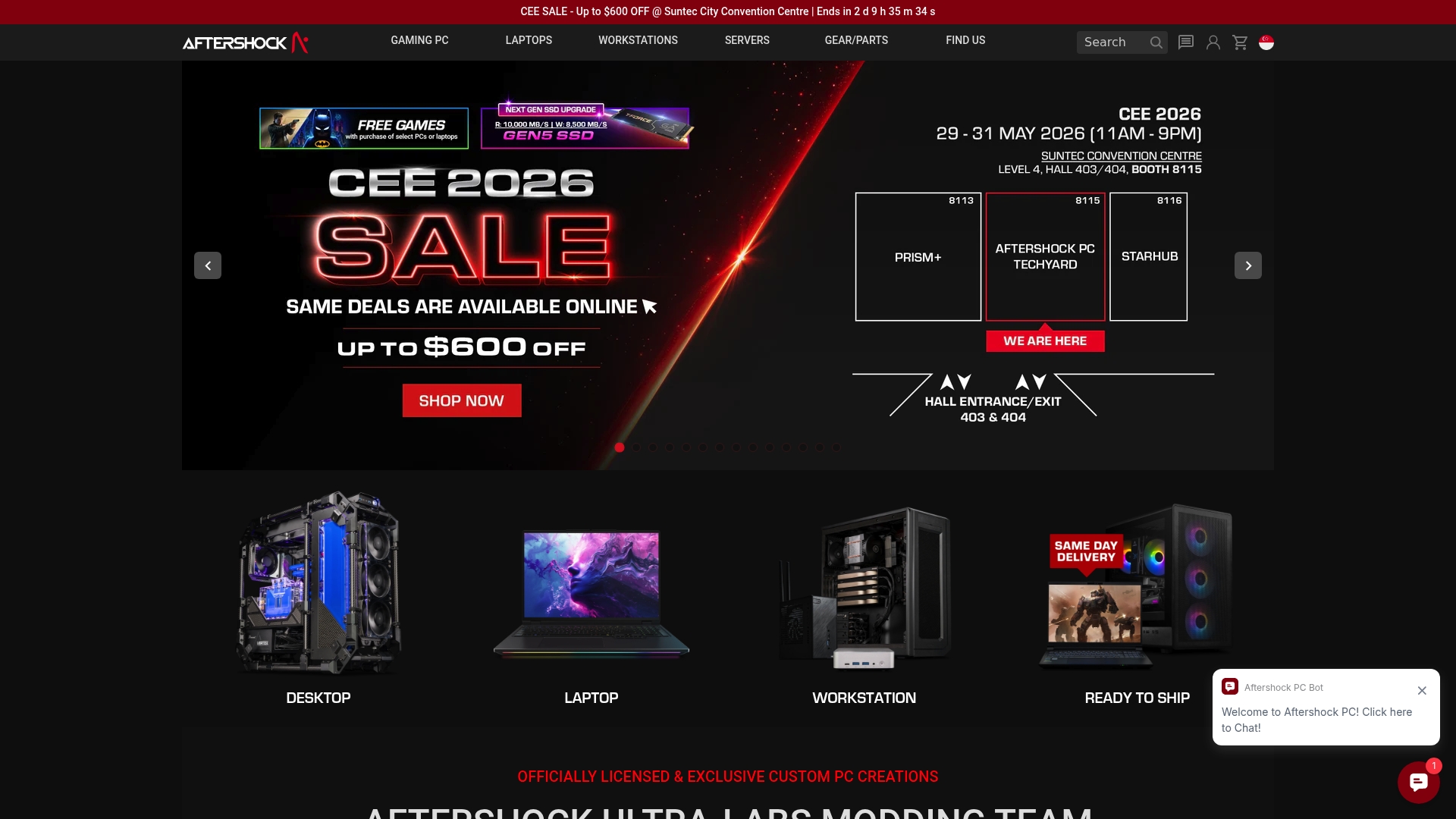
They operate experiential centers where you can configure, test, and compare builds in person before you buy — a hands-on advantage that matters when components, cooling, and acoustics are on the table.
Aftershock PC is a Singapore-based custom builder founded in 2012 that focuses on high-performance desktops, laptops, workstations, and servers assembled locally with rigorous quality checks.
Core Features
Custom-built systems tailored to your spec, from competitive eSports rigs to content-creation workstations, assembled using premium components sourced from major manufacturers.
Onsite consultation and testing happen at the company’s experiential centers, and the company advertises lifetime customer support plus comprehensive warranty coverage for local buyers.
Key Differentiator
The real advantage is the combination of in-house, locally assembled systems and the ability to test hardware in person. That workflow reduces guesswork about noise, thermals, and real-world frame rates in your specific setup.
This approach serves a narrower audience than broad online retailers — it rewards buyers who want hands-on tuning, visible craftsmanship, and local service rather than the lowest entry price.
Pros
-
Meticulous build quality and cable management that you notice immediately when you open the case; the finish is cleaner than most high-volume OEMs.
-
Strong component choices for longevity and sustained performance; Aftershock prioritizes vetted parts over bargain bins so systems stay relevant longer.
-
The experiential centers let you hear fan curves and validate thermals before committing; that in-person testing removes common buyer uncertainty.
-
Lifetime support and local warranty handling simplify repairs and upgrades for Singapore customers who prefer face-to-face service.
-
The brand promotes award recognition, including repeated mentions of a “Best Gaming Desktop Brand” accolade in its materials.
Cons
-
The premium build quality comes with a premium price tag; typical desktops start around SGD 2,000 and scale to SGD 6,000 plus for top-tier configs.
-
International buyers will find limited shipping options and less accessible support compared with global e-tailers.
-
Some buyers report inconsistent response times on warranty claims outside Singapore, which makes remote service workflows slower.
When It May Not Fit
If you live outside Singapore or need the cheapest possible entry-level gaming laptop, this is the wrong path. Aftershock targets buyers willing to pay for local assembly, hands-on trials, and higher-tier components rather than bargain hunting online.
Who It’s For
Tech-savvy gamers, creators, and businesses in Singapore who want custom performance, visible craftsmanship, and local support. Choose Aftershock when you value in-person tuning and a partner who can hand-configure cooling and cable routing.
Real World Use Case
A competitive gamer books an experiential center visit, compares two RTX GPU options under the same CPU and cooling, and selects liquid cooling after hearing fan noise differences. The delivered system arrives fully tuned and performs reliably in tournament play.
Pricing
Desktop builds commonly range from SGD 2,000 to SGD 6,000 plus depending on your GPU, CPU, and cooling choices. Laptops follow similar tiered pricing for high-end models. Free shipping may apply within Singapore over certain order thresholds.
Website: https://aftershockpc.com
Dreamcore

At a Glance
Personalized, locally sourced PC builds with hands-on expert guidance target Singapore buyers first at Dreamcore. The shop combines a custom configuration service and pre-built gaming systems so you can pick a ready rig or tailor parts for specific performance goals.
Core Features
-
Custom PC configuration service that lets you pick CPU, GPU, memory, storage, and cooling to match gaming or creative workloads.
-
Wide selection of components and peripherals from mainstream and enthusiast brands, presented alongside compatibility notes and upgrade paths.
-
Pre-built gaming systems and workstations available for buyers who prefer a faster route to a high-performance machine.
-
Expert guidance and support during selection and checkout to reduce assembly guesswork and mismatched components.
-
Secure online checkout and localized customer support for Singapore orders.
Key Differentiator
Dreamcore’s pitch centers on local, personalized builds combined with guidance aimed at Singapore customers. That narrower focus makes it a practical choice if you want quick access to local support and sourcing rather than a global marketplace that treats configurations as anonymous line items.
Pros
-
Strong local presence. Operating in Singapore means faster communication and logistics for buyers inside the country compared with overseas sellers.
-
Confidence when customizing. The expert support reduces common mistakes such as incompatible parts or inadequate cooling for high-end GPUs.
-
Choice across skill levels. You can pick a fully assembled pre-built system or order a custom spec for overclocking, streaming, or content creation.
-
Component variety helps upgradeability. A wide parts catalog makes staged upgrades realistic instead of forcing full-system replacement.
-
Focused performance segments. The catalog highlights gaming and workstation builds so you see clear recommendations for frame-rate targets or render workloads.
Cons
-
No visible third-party review corpus. There are no specific external reviews available in the provided data to independently confirm service quality.
-
Pricing transparency is limited. The vendor data shows prices vary by configuration and does not publish a fixed price range for reference.
-
International buyers may face hurdles. Shipping and local support appear centered on Singapore, which could increase lead times and service friction for overseas customers.
When It May Not Fit
If you live outside Singapore and expect local delivery and rapid after-sales service, Dreamcore may not match those expectations. Cross-border warranty handling and shipping costs could make alternative regional vendors more practical.
Who It’s For
Singapore-based gamers, PC enthusiasts, and professionals who want a tailored build or a powerful pre-built system with local support. Best for buyers who value guidance through component selection and prefer buying from a vendor that understands regional warranty and delivery nuances.
Real World Use Case
A gamer in Singapore uses Dreamcore’s configurator to build a high-refresh 1440p gaming rig. They consult support about cooling and PSU headroom, finalize parts that balance frame-rate and thermals, and receive the system ready to plug in with local delivery and pickup options.
Pricing
Prices depend on selected components and target performance. The vendor describes ranges from affordable entry-level systems to high-end professional rigs, but no fixed starting price is published in the data.
Website: https://dreamcore.com.sg
ASUS ROG (Republic of Gamers)
At a Glance
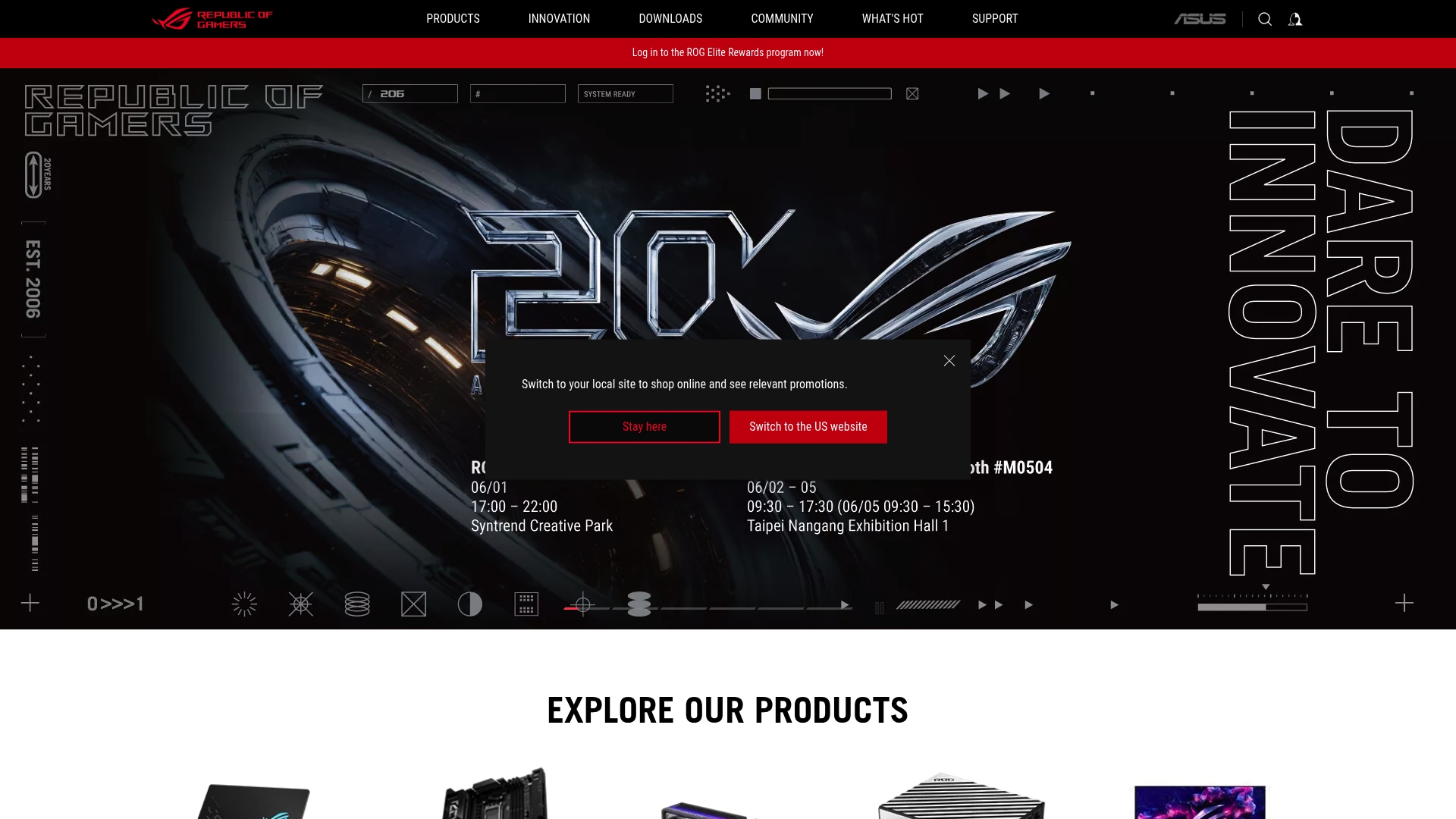
The ROG lineup covers laptops, desktops, motherboards, graphics cards, monitors, networking gear, and peripherals under a single ecosystem designed to interoperate. ROG pairs aggressive performance tuning with customizable RGB lighting and active community rewards, while user reports flag inconsistent warranty and support responsiveness.
Core Features
ROG focuses on high performance hardware across form factors so you can build a desktop or buy a portable laptop with similar tuning and software controls. Firmware and software tools let you adjust power, thermals, and RGB profiles without jumping between apps.
The ecosystem includes gaming routers and peripherals that share styling and sync lighting, plus community programs that offer rewards and events. Those combined systems make a cohesive setup for an enthusiast desk or a LAN event.
Key Differentiator
What sets ROG apart is the ecosystem approach driven by ASUS engineering. Hardware, software, and accessories are designed to work together so lighting, performance presets, and network features can be coordinated across devices. That makes ROG more than a parts vendor for buyers who want a unified experience.
Pros
- Powerful performance across product lines. ROG hardware is repeatedly praised for raw frame rates and durable components that handle sustained gaming loads.
- Broad product range. You can match a laptop like a Zephyrus to a desktop GPU, monitor, keyboard, and router from the same family for consistent settings and aesthetics.
- Strong design and customization. Customizable RGB lighting and aggressive cooling options give visual flair and thermal headroom for overclocking.
- Community and rewards. Online programs and events create a sense of membership that keeps enthusiasts engaged and sometimes gives early access to firmware or bundles.
Cons
- Support and warranty responsiveness are frequent pain points in user reports, creating friction when repairs or RMA processes are needed.
- Some units have reported component failures or thermal issues under heavy load, producing unexpected downtime for gamers who push hardware hard.
- Regional support differences mean service quality can vary widely depending on where you buy and register the product.
When It May Not Fit
If you need immediate, local warranty service or you operate outside regions with strong support coverage, ROG may not meet your expectations. It is also a poor fit for buyers on strict budgets who want entry level systems rather than mid tier to premium hardware. If bulk discounts or flat warranty handling are required, look elsewhere.
Who It’s For
ROG is aimed at passionate gamers, PC builders, and streamers who value performance, customization, and a cohesive hardware ecosystem. Choose ROG if you plan to mix laptops, desktops, and accessories from the same family and you are prepared to trade occasionally inconsistent service for advanced features.
Real World Use Case
A gamer buys a high end ROG Zephyrus laptop, a matched ROG monitor, and an ROG gaming router to create a portable competitive rig. They sync profiles so game mode, display color, and network priority shift automatically when the laptop connects. When a hardware fault appears later, user experience is affected by reported delays in warranty case handling.
Pricing
Pricing runs from mid tier to premium with gaming laptops and desktops commonly in the $1,000 to $3,500 range. Peripherals span roughly $50 to $300 with frequent sales and bundle offers that lower entry costs for a full ROG setup.
Website: https://rog.asus.com
Dynabook
At a Glance
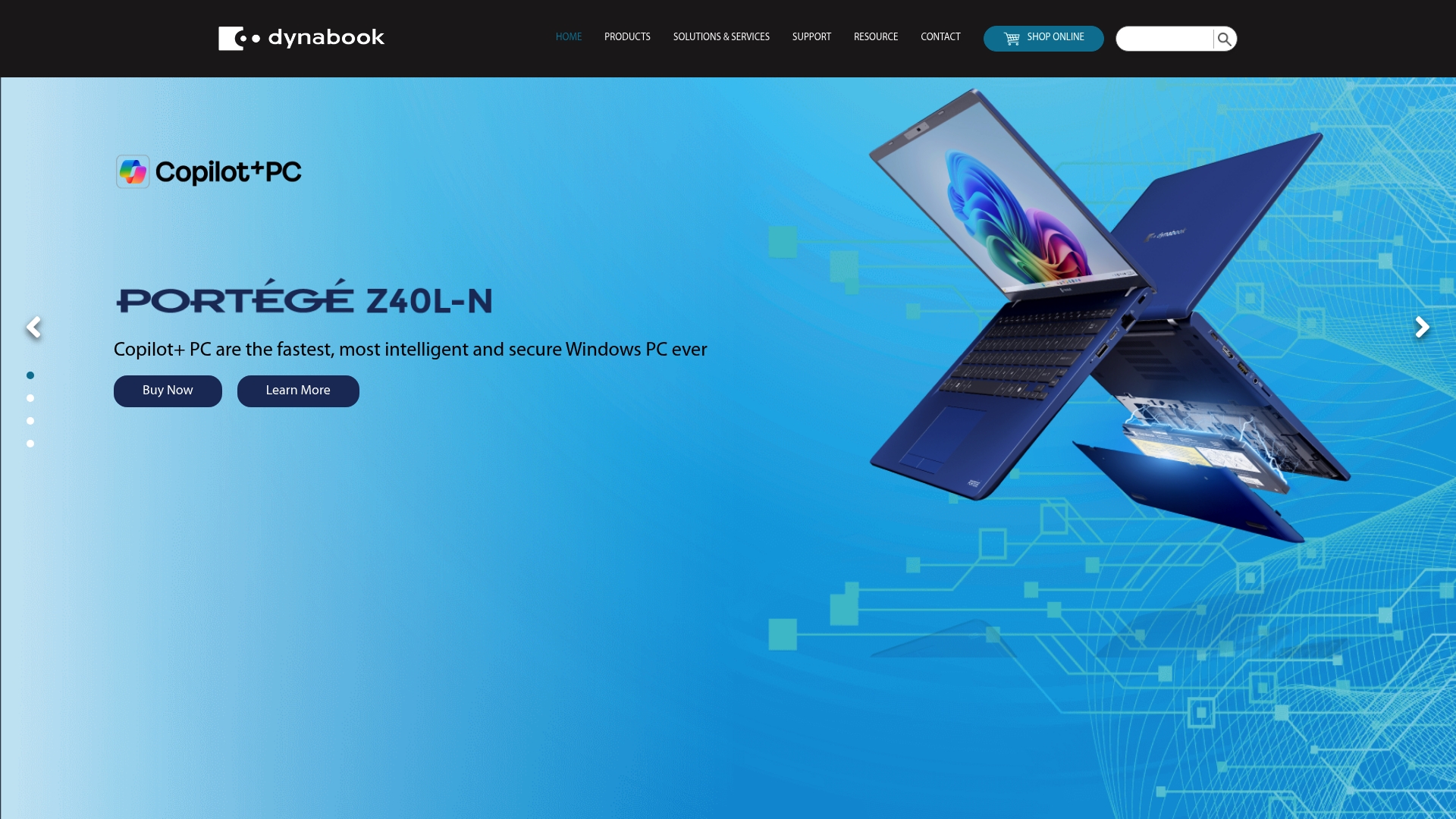
Dynabook pairs enterprise-grade security with lifecycle services such as asset recovery programs and accidental damage protection tied to business purchases. The lineup targets companies that need hardware-based protections like TPM 2.0 and biometric login across a fleet.
Core Features
- Hardware-based protections and biometric authentication for endpoint security and compliance needs.
- A broad range of business laptops from ultra-light models to full-featured workstations for different roles.
- Comprehensive services including asset recovery, accidental damage protection, and business-focused warranty options.
- Full accessory and storage ecosystem plus Windows 11 support and select AI enhancements in newer models.
Key Differentiator
Dynabook leverages its Toshiba heritage and in-house design to focus squarely on enterprise reliability and security rather than consumer glamor. That emphasis makes it a better match for IT teams who need tight device control and lifecycle programs rather than gamers seeking high-refresh displays and desktop-grade GPUs.
Pros
- Strong lineup fit for corporate procurement. Multiple series let IT standardize on one vendor for desktops, laptops, and accessories.
- Security posture tailored to regulated environments; hardware protections and biometric options simplify compliance checks.
- In-house design and manufacturing give procurement teams clearer expectations about build and parts sourcing compared with purely OEM-branded alternatives.
- The suite of support services, including asset recovery, helps IT manage device replacement costs and data sanitization over the device lifecycle.
- Models span from highly portable to workstation-class, so teams can pick devices by job role rather than compromise on capability.
Cons
- Third-party reviews have reported reliability and quality-control issues, which several customers cited when seeking repairs or replacements.
- Customer support and warranty responsiveness are reported as inconsistent, creating risk for organizations that require rapid on-site service.
- Repeated product failures reported by users may force larger IT teams to build contingency budgets for spare units and extended support.
When It May Not Fit
If your primary need is gaming performance, high-refresh panels, or the latest desktop-class GPUs, Dynabook’s enterprise focus will feel limiting. Organizations that require guaranteed rapid local service in every market should verify support SLAs before large rollouts.
Who It’s For
IT managers, security-conscious professionals, and SMBs that prioritize device security, long-term asset management, and standardized deployments across mixed workforces. Particularly suited to finance, healthcare, education, and other regulated sectors that benefit from hardware-based protections.
Real World Use Case
An IT department buys Dynabook laptops with TPM 2.0 for a hybrid workforce, enrolls devices into an asset recovery program, and adds accidental damage protection for field staff. The purchase simplifies compliance audits, though the team budgets extra spares after reading service reports.
Pricing
Pricing varies across product lines and sits in the mid to high-end business segment. Specific prices are not listed online; procurement teams should contact local sales for quotes, bulk pricing, and information about shipping in the Asian market.
Website: https://asia.dynabook.com
Comparative Analysis: Selecting the Right Tech Shopping Hub
When considering outlets for acquiring high-performance technology, the choice often pivots on priorities such as hands-on evaluation, local support dynamics, and the operational workflows supported by each alternative. This analysis will juxtapose core aspects of Sim Lim Square Insider, Aftershock PC, Dreamcore, ASUS ROG, and Dynabook to elucidate the distinctive value each provides.
Availability of In-Person Testing and Prompt Procurement
Sim Lim Square Insider stands out prominently due to its focus on facilitating in-person interactions with products. Customers have immediate opportunities for tactile testing and same-day procurement—complemented by local warranties. Conversely, While Aftershock PC and Dreamcore also enable personalized in-person configuration tailored to unique builds, their focus inclines toward high-performance setups often unavailable as completed products until post-assembly timelines, which might not suit time-sensitive buyers.
Service Scope and Target Audience Alignment
For tech enthusiasts seeking broad ecosystem compatibility, ASUS ROG provides a cohesive suite of products, encompassing laptops, desktops, and accessories, uniquely designed for smooth integration. However, this advantage is contrasted by reports of variable post-purchase support. Meanwhile, Dynabook specializes in secure and enterprise-grade solutions; However, its suitability is inversely proportional to requirements for gaming or enthusiast-grade performance systems, such as enhanced refresh rates or modular compatibility.
Best Fit by Scenario
- For gamers or tech enthusiasts visiting Singapore, Sim Lim Square Insider maximizes access to immediate hands-on evaluations, diverse product scope, and localized guarantee services.
- For custom high-performance computation-focused configurations, consider Aftershock PC for fine-tuned assemblies enabled by their experiential centers.
- For those preferring guided customization and upgrade availability, Dreamcore ensures consultant-led selections for well-aligned systems.
Our Pick: Sim Lim Square Insider
As a specialized directory and resource adhering to in-person shopping approaches, Sim Lim Square Insider excels where customers prioritize fast, hands-on examination before committing to purchases. While it does not accommodate online-only buyers, its service depth within this operational model remains by the alternatives discussed.
Gaming Laptop and Associated Services Ecosystem Comparison
Explore the options below to determine the best platform for accessing gaming laptops and related services based on their unique features and offerings.
| Product/Service | Key Features | Best For | Pricing | Notable Limitation |
|---|---|---|---|---|
| Sim Lim Square Insider | Store directory, local warranty, same-day pickup | Tech shoppers visiting Singapore for in-person shopping | Not disclosed | Location-specific to Sim Lim Square, Singapore |
| Aftershock PC | Custom builds, in-person tests, lifetime support | Gamers and creators seeking high-performance builds | SGD 2,000–6,000+ | Limited international support options |
| Dreamcore | Tailored PC builds with local guidance | Singapore gamers needing personalized systems | Not disclosed | Lacks external service reviews for quality confirmation |
| ASUS ROG | Cohesive gaming ecosystem, RGB customization | Enthusiast gamers creating a unified setup | $1,000–3,500 | Inconsistent support and warranty responsiveness |
| Dynabook | Enterprise-grade laptops, security-focused | Businesses requiring asset recovery and secure devices | Not disclosed | Reports of reliability and support issues |
Find Your Perfect Gaming Laptop at Simlimsquareinsider
Choosing the right gaming laptop can feel overwhelming when faced with so many options and technical specs to evaluate. The challenge is clear: you want to test performance features like thermals, display quality, and keyboard feel to make confident choices without the guesswork. Simlimsquareinsider solves this by providing detailed store directories, expert guides, and real in-mall walkthroughs for Singapore’s Sim Lim Square — the ideal place to try gaming laptops first-hand and pick up your purchase the same day.
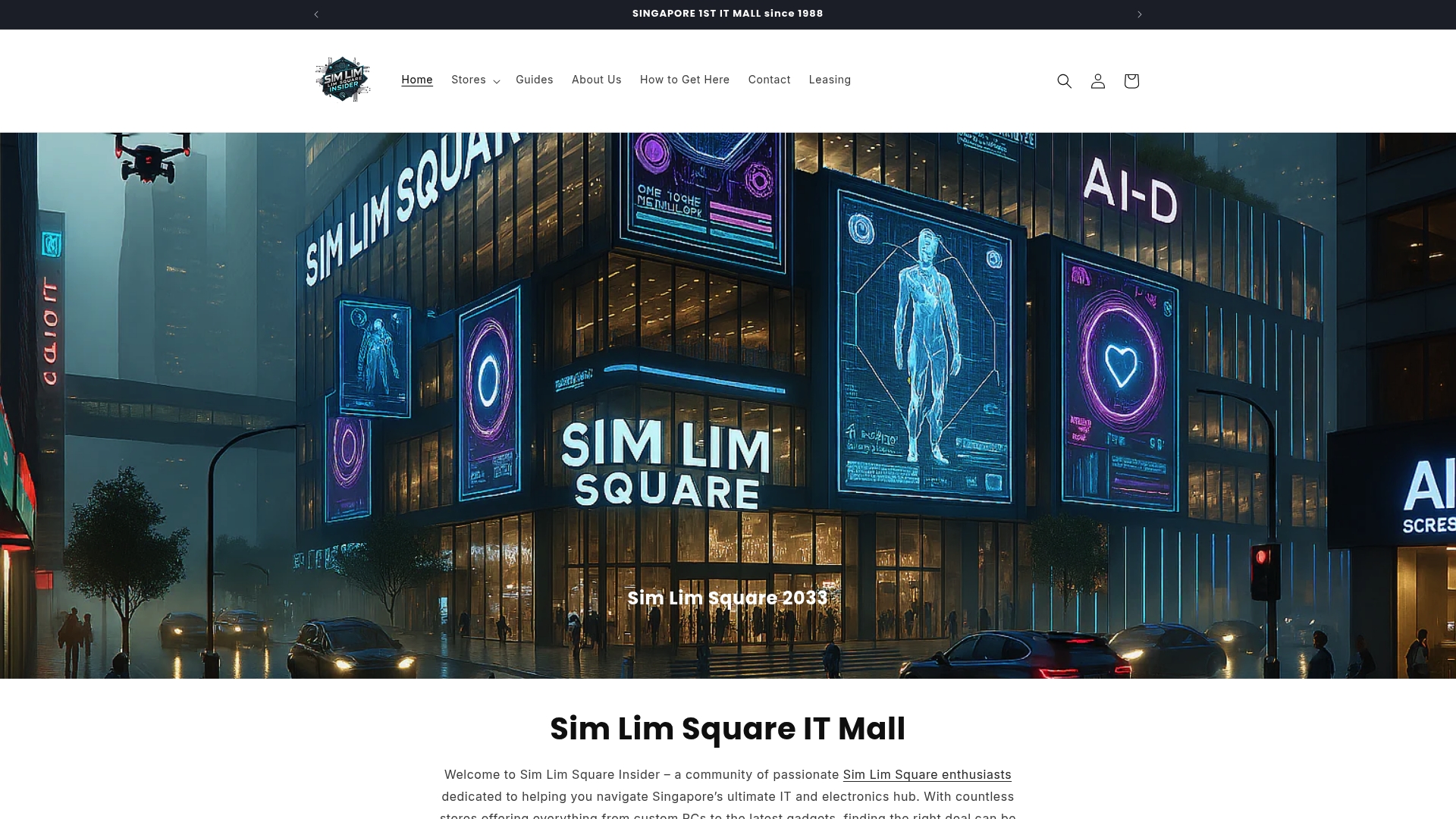
Experience the benefits of hands-on testing, local warranty support, and immediate product pickup all in one place. Visit Simlimsquareinsider to explore verified store listings, find exclusive deals, and access community-driven insights tailored just for gaming laptop shoppers. Don’t wait to upgrade your setup — connect with trusted sellers and leave with your gaming laptop ready to perform right away.
Frequently Asked Questions
What features make Simlimsquareinsider a great choice for buying gaming laptops?
Simlimsquareinsider allows hands-on product testing, which boosts buyer confidence before purchasing. Its core feature is the ability to test products in person and pick them up the same day, coupled with local warranty support, reducing post-purchase risks. If you’re in Singapore, you can visit Simlimsquareinsider to experience a range of gaming laptops firsthand.
How does Simlimsquareinsider compare with Aftershock PC for gaming laptop purchases?
Aftershock PC excels in providing custom-built systems that you can configure and test in person at their experiential centers. In contrast, Simlimsquareinsider focuses on a wider directory of stores where various laptops can be tested, allowing for multiple comparisons in one visit. If you prefer testing multiple brands in a single trip, Simlimsquareinsider is your best option.
Does Simlimsquareinsider support exclusive promotions when buying gaming laptops?
Yes, Simlimsquareinsider regularly updates exclusive promotions and deals from the community and participating shops. This feature enhances your shopping experience by potentially saving money on limited-time offers, making it a practical choice for budget-conscious gamers. Keep an eye on the platform for the latest deals to maximize your savings.
Which feature of Simlimsquareinsider is most beneficial for first-time gaming laptop buyers?
The real store walkthroughs and videos provided by Simlimsquareinsider help first-time buyers know what to expect before visiting, simplifying the process of selection. Being able to visualize the store layout and product displays permits a more informed choice when browsing gaming laptops. New buyers in Singapore can leverage this feature to reduce their search time and arrive prepared.
Can I connect with other tech shoppers through Simlimsquareinsider for gaming laptop advice?
Yes, Simlimsquareinsider offers community-driven support through WhatsApp and social media, allowing users to pose quick questions and share tips about gaming laptop purchases. Engaging with fellow tech shoppers can enhance your buying experience by providing real-time insights and alerts on in-store availability, making it easier to find the best gaming laptop for your needs.