

Examples of Tech Gadgets Worth Buying in 2026
TL;DR:
- The latest gadgets focus on solving practical daily problems, such as personal comfort, privacy, and outdoor automation. Innovative devices like Sony’s wearable thermostat and Deep Care’s offline health monitor exemplify technology’s shift toward usefulness and data privacy. Choosing the right gadget depends on your specific needs, environment, and long-term value considerations.
New gadgets drop every week, and keeping up with what actually matters takes real effort. The examples of tech gadgets featured here cut through the noise by focusing on one thing: does it genuinely improve your daily life? From wearable devices that regulate your body temperature to AI-first laptops that rethink how you interact with a screen, gadget roundups organized by use case consistently help consumers make smarter decisions. This article covers the latest tech gadgets across wearables, smart home devices, and computing, complete with specs, comparisons, and practical tips.
Table of Contents
- Key takeaways
- 1. Sony REON POCKET PRO Plus wearable thermostat
- 2. Deep Care Isa desk health monitor
- 3. Yarbo robotic lawn mower
- 4. Googlebook AI-first laptop
- 5. Comparing featured gadgets side by side
- 6. How to choose the right tech gadget for your life
- My take on what actually makes a gadget worth owning
- Find the best tech deals at Sim Lim Square Insider
- FAQ
Key takeaways
| Point | Details |
|---|---|
| Wearables solve real comfort problems | Devices like Sony REON POCKET PRO Plus offer fan-less temperature control with 15-hour battery life for all-day wear. |
| Privacy matters in desk gadgets | Deep Care’s Isa tracks health metrics offline using on-device sensors, with no camera or internet connection required. |
| Smart outdoor gadgets save hours weekly | Yarbo’s robotic lawn mower uses RTK-GPS to navigate wire-free across up to 6 acres without physical boundary markers. |
| AI is reshaping laptop interaction | Googlebook laptops use Gemini Intelligence and a Magic Pointer UI to deliver contextual suggestions based on your activity. |
| Match the gadget to your lifestyle | Prioritize use case, privacy preferences, and long-term cost before committing to any new tech purchase. |
1. Sony REON POCKET PRO Plus wearable thermostat
Personal temperature control used to mean layering up or cranking the AC. The Sony REON POCKET PRO Plus changes the equation entirely. It sits at the back of your neck and uses thermoelectric technology to either cool or heat your body without a single moving fan. No noise. No bulk. Just consistent temperature management wherever you are.
The device runs for up to 15 hours on a single charge, making it viable for a full workday or long travel. Its SMART mode connects to a mobile app and adjusts temperature automatically based on your activity level and environment. The adjustable neckband fits a wide range of neck sizes, which matters more than it sounds since poor fit kills the effect entirely.
Pro Tip: If you commute in humid climates or work in fluctuating office temperatures, the SMART mode pays for itself in comfort within the first week of use.
This is one of the strongest examples of IT gadgets that crosses the line from novelty into genuine daily utility. For anyone who has ever sat through a meeting sweating through their shirt or shivering in an overcooled conference room, this device addresses a problem that no app can fix.
2. Deep Care Isa desk health monitor
Most people underestimate how much their desk environment affects their health. The Isa desk gadget from Deep Care sits on your desk and quietly tracks your posture, hydration reminders, CO2 levels, light quality, ambient sound, and barometric pressure. What makes it stand out is what it does not do. There is no camera. There is no internet connection required. All processing happens on the device.

Isa uses a Time-of-Flight 3D depth sensor to detect your body position accurately without capturing raw video. It can tell when you have been hunched for too long and nudge you to sit up straight or drink water. The offline privacy approach directly addresses the growing concern many people have about smart devices constantly transmitting personal data to the cloud.
Some features require a subscription for expanded analytics, which is worth factoring into your budget calculation. For remote workers and anyone spending 6 or more hours a day at a desk, Isa is one of the more practical and unique tech products available right now.
Pro Tip: Place Isa at eye level and roughly arm’s length away for the most accurate posture detection. Positioning it too low or to the side reduces sensor accuracy noticeably.
3. Yarbo robotic lawn mower
Robotic mowers have been around for years, but most of them require you to bury a boundary wire around your yard before they will work. Yarbo skips that entirely. Using RTK-GPS with centimeter-level precision, it maps your lawn, learns the boundaries, and mows without any physical guides. Setup is dramatically simpler than wire-based systems, especially for large or irregularly shaped properties.
Here is a quick comparison of Yarbo against a typical wire-based robotic mower:
| Feature | Yarbo (RTK-GPS) | Wire-based robotic mower |
|---|---|---|
| Boundary setup | Virtual, app-based | Physical wire required |
| Coverage area | Up to 6 acres | Typically under 1 acre |
| Slope handling | Up to 35 degrees | Usually under 20 degrees |
| Runtime per charge | 120 minutes | 60 to 90 minutes |
| Obstacle detection | Multi-sensor fusion | Basic bump sensors |
The multi-sensor fusion system means the mower detects obstacles like pets, toys, and garden furniture in real time rather than just bumping into them. For homeowners with larger yards or complex terrain, this is one of the top smart gadgets available at any price point.
Pro Tip: Run the initial mapping session on a clear, sunny day for the most accurate RTK-GPS calibration. Cloud interference can affect initial boundary accuracy.
4. Googlebook AI-first laptop
Laptops have had the same basic interaction model for decades. The Googlebook platform changes that by making Gemini Intelligence the central feature rather than a bolt-on. The standout element is the Magic Pointer, an AI-powered cursor that reads the context of whatever is on your screen and surfaces relevant suggestions, quick actions, and information without you having to open a separate app or type a query.
Expected to launch in fall 2026, Googlebook devices will be available through major hardware partners including ASUS and Dell. Deep Android integration means your phone and laptop share context fluidly, something current laptop ecosystems still handle poorly. Here is what makes the platform genuinely different from a standard laptop running an AI assistant:
- The Magic Pointer UI model reacts to what is already on screen rather than waiting for you to ask a question.
- Gemini Intelligence can summarize documents, suggest calendar blocks, and draft replies based on open files, not just typed prompts.
- The Android bridge means notifications, files, and messages sync between devices without manual setup or third-party apps.
- Partner brands like ASUS and Dell bring hardware variety, so you are not locked into one design or price tier.
For anyone whose workflow involves switching between a phone and laptop constantly, Googlebook represents a meaningful shift in how those devices can work together. It is one of the more credible examples of AI integration in computing gadgets coming to market.
5. Comparing featured gadgets side by side
Before committing to a purchase, it helps to see these popular tech devices lined up against each other on the metrics that actually matter for daily use.
| Gadget | Category | Key feature | Battery/Runtime | Privacy approach | Price range |
|---|---|---|---|---|---|
| Sony REON POCKET PRO Plus | Wearable | Fan-less cooling and heating | 15 hours | App-connected, no biometrics stored | Premium |
| Deep Care Isa | Desk health monitor | Posture and environment tracking | Plugged in | Fully offline, no camera | Mid-range + subscription |
| Yarbo lawn mower | Smart outdoor | RTK-GPS wire-free navigation | 120 min/charge | No personal data collected | Premium |
| Googlebook laptop | Computing | Gemini AI with Magic Pointer | Varies by model | Google ecosystem, cloud-integrated | Mid to premium |
The TechRadar May 2026 roundup confirms that the best gadgets in 2026 span multiple categories including phones, TVs, headphones, and smartwatches, but the gadgets above are notable for how clearly they address a specific daily problem rather than adding features for the sake of spec sheets.
6. How to choose the right tech gadget for your life
Buying on hype is the most common mistake. The right gadget is the one that fits your actual routine, not the one that demos best in a 60-second video. Here is how to think through the decision:
- Match the problem first. Are you dealing with physical discomfort, wasted time on chores, poor focus at a desk, or low productivity on a laptop? Each category of gadget above solves a different class of problem.
- Check the privacy model. Devices like Isa that process data locally are a fundamentally different proposition than cloud-connected devices. If you share a workspace or handle sensitive information, that distinction matters.
- Calculate the real cost. Some gadgets carry subscription fees for full functionality. Isa, for example, gates advanced analytics behind a recurring payment. Factor that into the total cost of ownership over two years.
- Think about environment fit. The Sony REON delivers best results in specific climates and use cases. Yarbo is built for homeowners with substantial outdoor space. Googlebook benefits people with an existing Android ecosystem.
Pro Tip: Before buying a premium gadget, spend 20 minutes reading one-month-in user reviews rather than launch-day reviews. Post-launch feedback reveals battery degradation, software bugs, and comfort issues that initial tests miss.
For a broader look at what is moving in tech retail right now, the Singapore tech retail trends guide at Simlimsquareinsider covers how consumer preferences are shifting across gadget categories.
My take on what actually makes a gadget worth owning
I have seen a lot of tech come and go. What I have learned after years of tracking gadgets is that the ones people actually keep are almost never the most technically impressive. They are the ones that remove friction from something you do every single day.
The Sony REON is a good example. Fan-less, quiet, body-worn temperature control sounds like a luxury feature until you have worn it through a humid Singapore afternoon. Then it becomes something you cannot imagine leaving behind. That is the real test of practical comfort in wearables.
What I find more interesting right now is the privacy dimension. Isa is doing something most gadget companies will not. It is deliberately building a device that knows a lot about you but keeps that information local. That is not a small decision. It means slower feature rollout and a harder business model, but it is the right call for anyone who has grown wary of how much their devices report back.
On the AI laptop front, I am genuinely curious about Googlebook, but I am also cautious. The Magic Pointer concept sounds right in theory. Contextual AI that watches what you are doing and helps without being asked is the direction everything is moving. The real question is whether the execution lives up to the premise. I have watched enough AI features ship half-baked to wait for real-world reports before calling it a must-have.
The broader trend I keep coming back to: the best gadgets for everyday use are the ones that get out of your way and do their job quietly. Novelty fades. Usefulness compounds.
— Aloysius
Find the best tech deals at Sim Lim Square Insider
If any of the gadgets above caught your attention, the next step is knowing where to find them at the right price. Simlimsquareinsider covers the full spectrum of electronics retail in Singapore, from wearables and laptops to cameras and smart home devices.
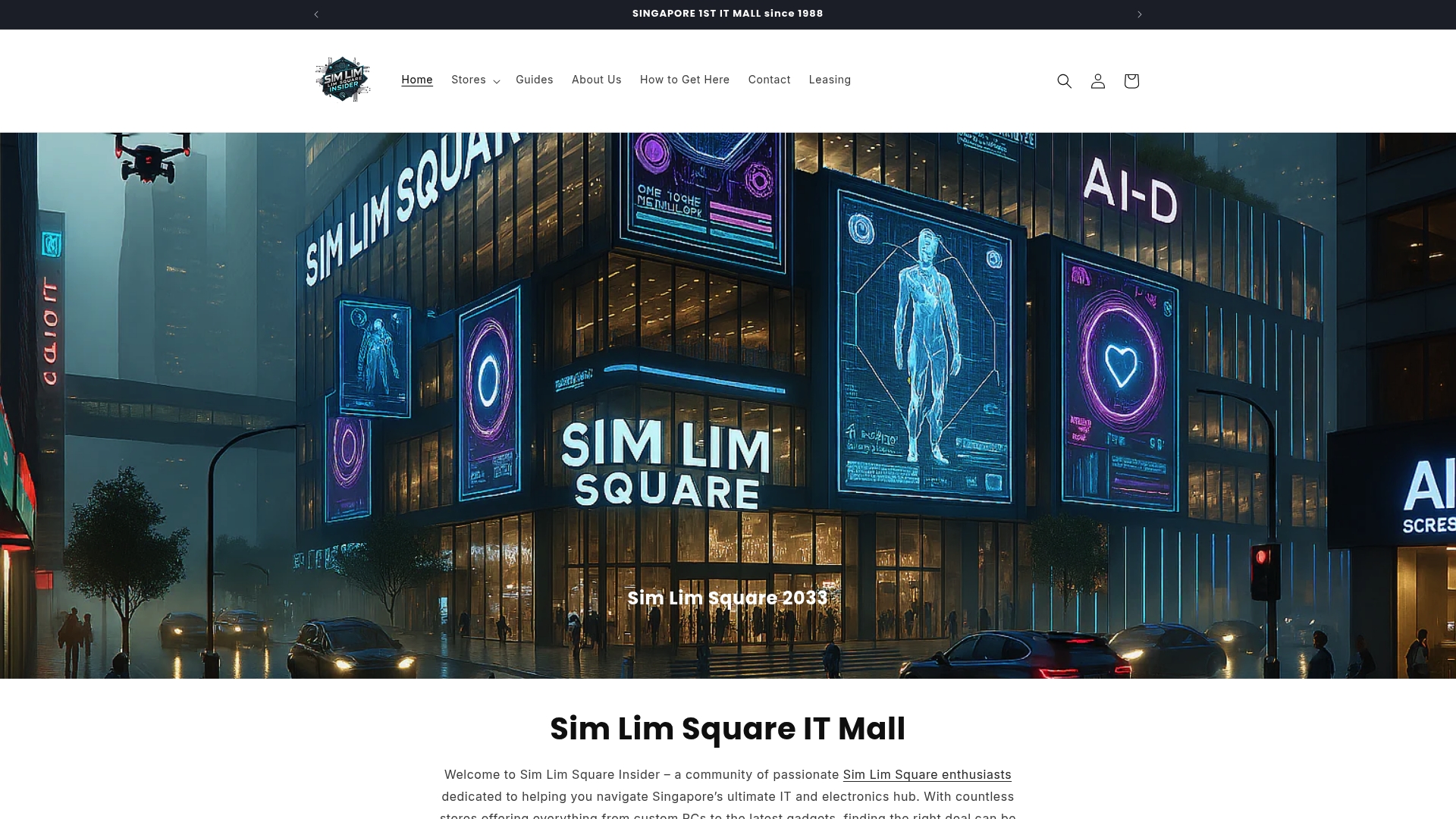
The gadget shops guide at Simlimsquareinsider gives you specific store picks and practical tips for shopping at Sim Lim Square, including which floors carry which categories and how to test products before buying. For side-by-side price comparisons and a full look at what is available in Singapore’s top electronics hub, the Simlimsquareinsider main hub is the place to start. Local warranty support and in-store advice make a real difference when you are spending serious money on tech.
FAQ
What are the best examples of tech gadgets in 2026?
The strongest examples include the Sony REON POCKET PRO Plus for personal temperature control, Deep Care’s Isa for desk health tracking, the Yarbo robotic lawn mower for smart outdoor automation, and Googlebook for AI-integrated computing. Each addresses a specific daily problem with measurable, real-world benefits.
What makes a tech gadget worth buying?
A gadget is worth buying when it removes friction from something you do daily, fits your environment, and offers long-term value beyond the initial novelty. Always factor in subscription costs, privacy approach, and battery performance before committing.
Are there offline tech gadgets that protect privacy?
Yes. Deep Care’s Isa is a clear example of a privacy-focused device. It uses a Time-of-Flight 3D depth sensor and processes all data on-device without an internet connection or camera, making it suitable for home offices and shared workspaces.
How does RTK-GPS improve robotic lawn mowers?
RTK-GPS delivers centimeter-level navigation accuracy, which allows robotic mowers like Yarbo to operate wire-free across complex terrain and properties up to 6 acres. It eliminates the need to bury physical boundary wires and significantly improves obstacle-handling precision.
Where can I find the latest tech gadgets in Singapore?
Sim Lim Square remains Singapore’s go-to destination for electronics, and Simlimsquareinsider provides store directories, price comparisons, and expert shopping guides to help you find and evaluate the latest devices before you buy.
Recommended
- Why physical tech stores still matter for Singapore shoppers – Sim Lim Square Insider
- Why compare tech retailers in Singapore for smart shopping – Sim Lim Square Insider
- Tech retail in Singapore: Trends, experiences, and smart shopping – Sim Lim Square Insider
- Top 6 Projectors Alternatives 2026 – Sim Lim Square Insider