

Top 4 Gaming PC Components Alternatives 2026
Locating gaming PC components that match upgrade plans is difficult when in-store inventory and test options remain uncertain. Most directories only list retailers and do not confirm hands-on testing or component refresh features before you visit. This comparison covers alternatives so you can choose a source offering in-person testing, managed upgrades, or support to fit your needs.
Table of Contents
Sim Lim Square Insider
At a Glance
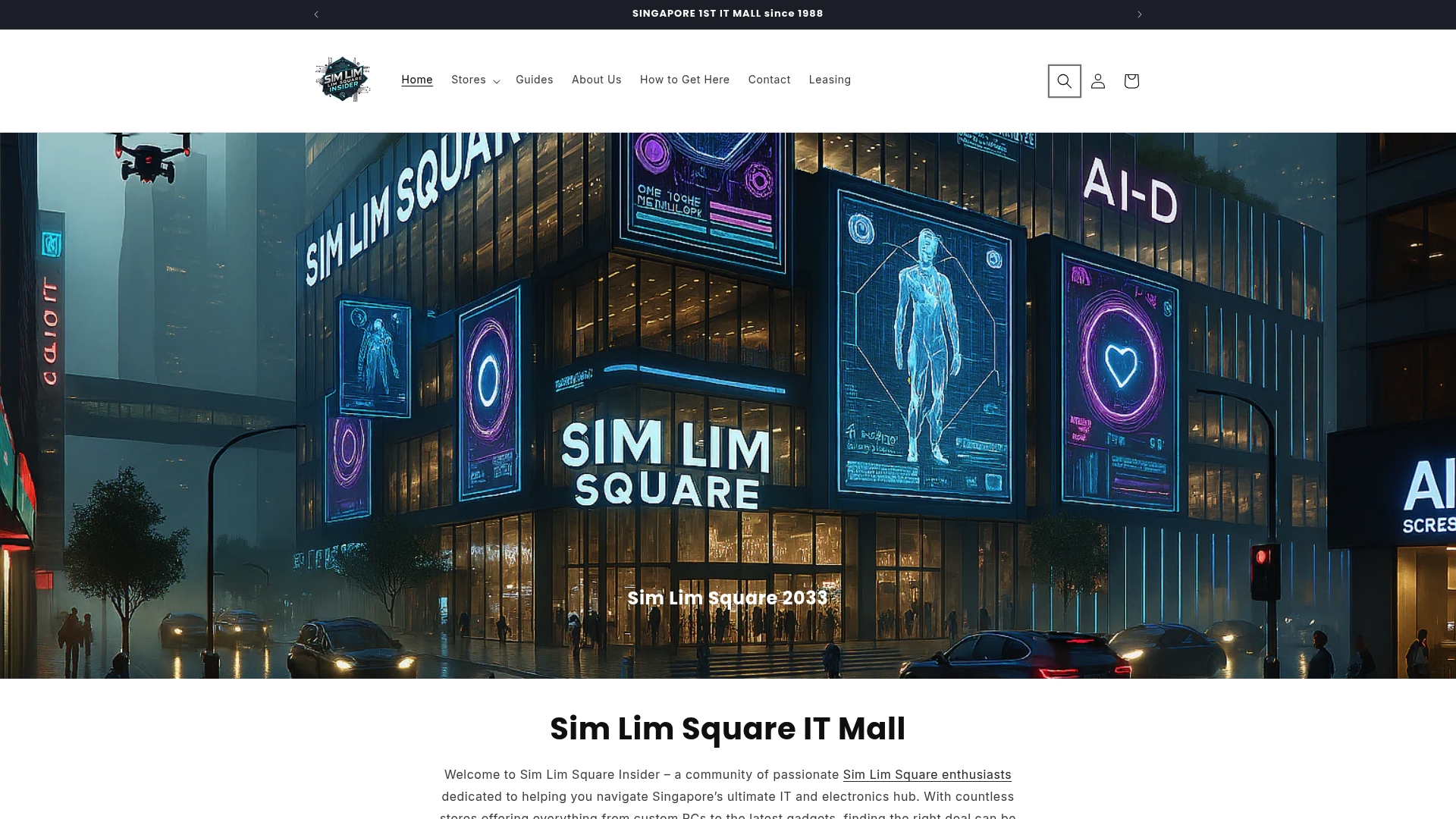
Community members locate hard to find items via WhatsApp-assisted product requests, letting shoppers pin down availability before they leave home. The site centers on in-person testing and video walkthroughs that show actual store layouts and stock. It also highlights shop rental opportunities and local warranty support for people buying gear in Sim Lim Square.
Core Features
The site combines a multi level store directory with category filters so you can find retailers for PC components, cameras, audio gear, and repairs. It publishes expert insights and buying guides alongside community posts and exclusive deals that often originate from specific stores. The platform documents video walkthroughs and real store testing experiences so you see product condition, bundle options, and service desks before you visit.
Key Differentiator
Verified store walkthroughs and community-driven notes set this resource apart from directory sites that list locations only. The walkthroughs include footage of aisles, product displays, and price tags so you judge availability and vendor professionalism. That on-the-ground evidence reduces guesswork when you plan multi-stop shopping trips in the mall.
Pros
Simlimsquareinsider helps you find trusted retailers quickly by grouping shops by level and specialty and by flagging stores that allow testing before purchase. The platform pairs expert reviews with community reports so you get both a measured guide and crowd-sourced updates about deals and service quality. It supports practical workflows for PC builders who want to compare parts side by side, and it lists leasing opportunities for small businesses seeking space in the complex.
Cons
- Limited to physical store interactions; there is no direct online purchase option so you must visit stores to complete transactions.
Who It’s For
This is for Singapore based tech enthusiasts who want to confirm stock and test hardware in person. Local shoppers and small business owners will benefit from the directory, walkthroughs, and rental listings when sourcing parts or setting up service relationships. People who prefer to inspect products and talk with retailers before buying will get the most value.
Unique Value Proposition
Verified video walkthroughs include testing logs and vendor notes that let you compare hardware without visiting every shop. That visual documentation shortens shopping planning and cuts pointless trips across floors when a specific component is scarce. For small businesses, the walkthroughs reveal service workflows and repair desks so you evaluate after sales support before committing to a supplier.
Real World Use Case
A small business owner searches Simlimsquareinsider for a trusted retailer that stocks a specific PC component and allows on site testing. They watch a walkthrough to confirm the part is in stock, test the component in person, and then arrange a same day pickup or a quick repair. The result is less downtime and a purchase backed by local warranty and in-store advice.
Website: https://simlimsquareinsider.com
NZXT
At a Glance
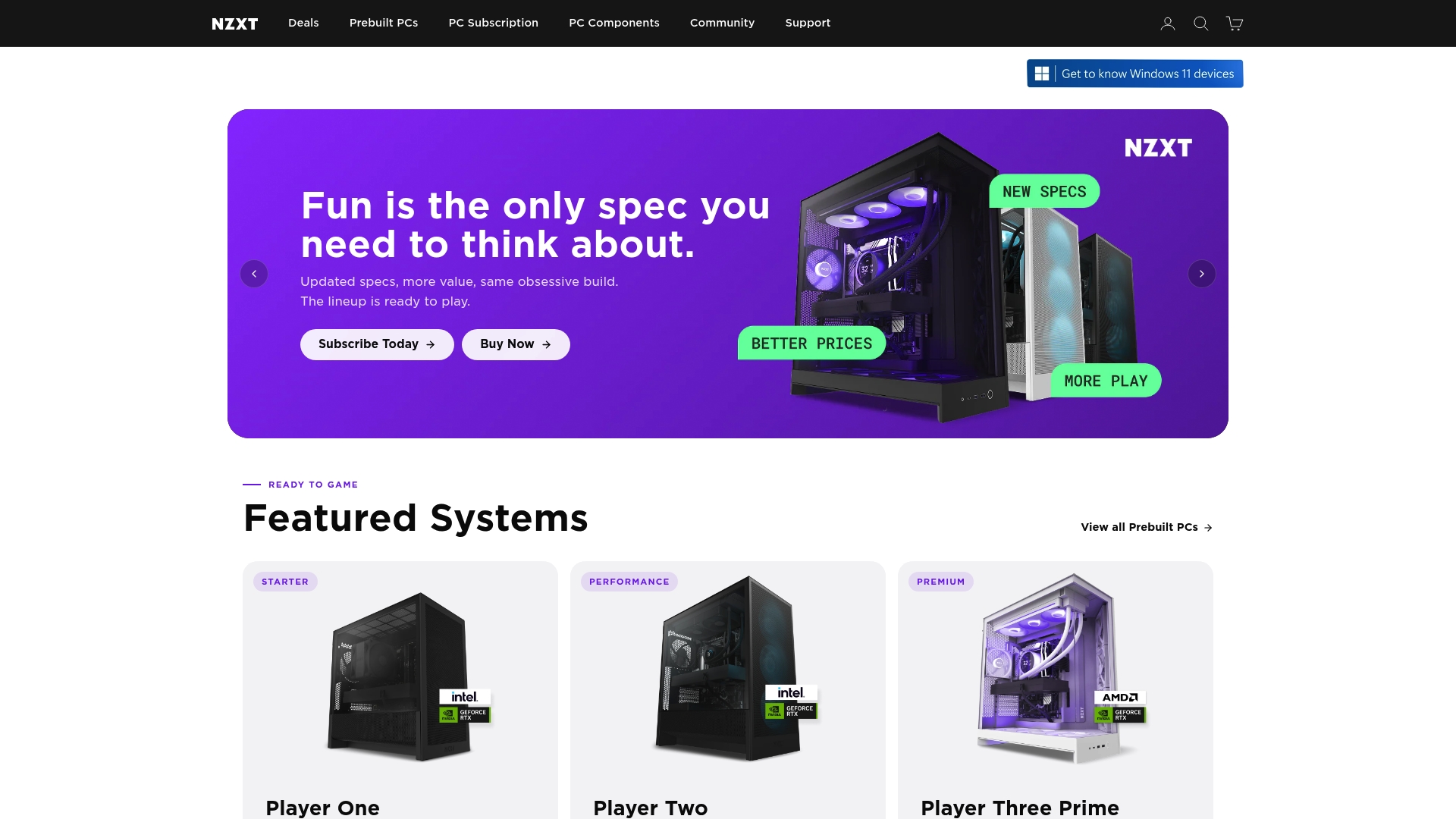
Subscription plans start at approximately $189/month, with prepayment options and configurable bundles. NZXT combines hardware and management software so you can control RGB and monitor system health from a single dashboard. Product pricing spans roughly $179.99 for cooling solutions up to $6,099 for premium prebuilt systems.
Core Features
The offering pairs a system management suite with hardware control, covering RGB customization, telemetry, and firmware updates in one interface. NZXT Flex manages subscription billing and orchestrates periodic hardware refreshes, logistics, and support workflows. Dual chamber case layouts and modular cooling options integrate with the software to simplify configuration and fan tuning.
Key Differentiator
The standout is NZXT Flex, a subscription service that blends scheduled hardware refreshes with centralized system management. Combined with the brand’s dual chamber design, that model moves upgrades from one-off purchases to a planned cadence. That pairing assists people who want regular component refreshes without handling resale or parts sourcing.
Pros
Build quality and case engineering excel for airflow, cable routing, and ease of assembly. The software delivers consolidated RGB controls, real time monitoring, and firmware update delivery to reduce manual tuning. Warranty and support cover both standalone purchases and subscription customers, which adds predictable service for longer term ownership.
Cons
- Availability is limited outside the United States, which complicates purchasing and regional support.
- Pricing skews premium, especially for custom builds and when subscription fees are added to hardware costs.
- Some customers report service or delivery delays, which can disrupt time sensitive upgrades.
- The subscription model does not suit buyers who prefer outright ownership or static flat pricing.
When It May Not Fit
If you live outside supported regions, region specific availability may block parts, shipping, or warranty service. If you prefer outright ownership, recurring fees and the refresh cycle will not match that preference. Buyers seeking a single flat price with no scheduled refreshes should look elsewhere.
Who It’s For
This offering fits PC builders, streamers, and gamers who value ongoing upgrades and a managed hardware lifecycle. It suits people who want consolidated software control for RGB and system telemetry alongside access to refreshed components. It also works for creators who prefer predictable upgrade timing over hunting parts on their own.
Real World Use Case
A professional streamer subscribes to NZXT Flex to receive periodic component refreshes while using the management dashboard to tune lighting and monitor temps. Support and warranty coordination reduce downtime during midseason hardware swaps. The subscription removes the hassle of selling old parts and sourcing replacements.
Pricing
Individual products typically range from about $179.99 for cooling up to $6,099 for premium prebuilt systems. Subscription plans start at approximately $189/month, with options to prepay for a term. Free shipping is available on select orders and configured bundles.
Website: https://nzxt.com
MSI
At a Glance
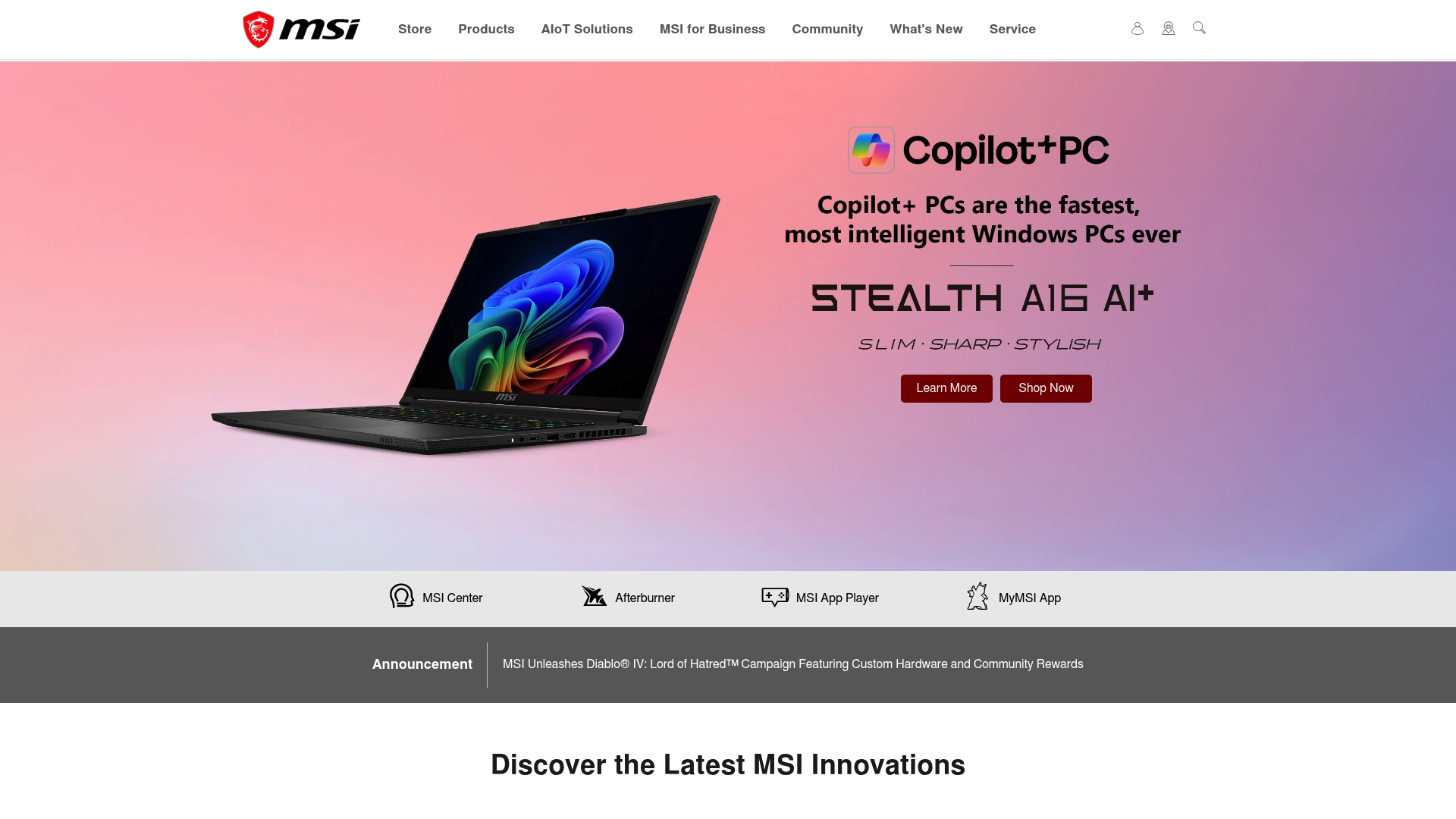
Desktops and laptops typically cost $1,000–$4,000. MSI pairs a broad hardware lineup with software tools such as MSI Center and AI Noise Cancellation. The product range serves gamers, creators, and enterprise AIoT deployments.
Core Features
MSI ships gaming laptops, desktops, monitors, graphics cards, and motherboards that target performance and reliability. The company bundles device control, firmware updates, and system tuning into MSI Center for unified management. AI driven features include smart performance optimization, noise cancellation, and network management, and the catalog also covers accessories and industrial AIoT hardware.
Key Differentiator
MSI ties hardware and control software into a single user workflow so you tune performance and monitor hardware from one place. That integrated approach combines fan and power profiles with AI features and firmware tools. The result is a hands on experience for people who like to tweak settings while keeping system oversight in one app.
Pros
MSI offers a wide selection of gaming and professional hardware that scales from portable laptops to desktop rigs. Deep software integration with MSI Afterburner and MSI Center gives granular control over clocks, voltages, and cooling. The brand has a strong reputation for build quality and reliable components, and it supports owners with videos, community forums, and rewards programs that keep information and firmware current.
Cons
- Premium price tier for many high-end models. These place top models above casual buyer budgets.
- Limited focus on entry-level hardware. Budget shoppers will find fewer low-cost options.
- Some advanced software features have a learning curve. Newcomers may need time to use tuning tools.
- Availability may vary by region. Stock and local warranty support change from market to market.
When It May Not Fit
If you live outside MSI’s shipping regions you may face limited availability or reduced local support. Budget conscious buyers who only need basic gaming will find better value in simpler brands. If you want a plug and play system with no tuning, the software depth may be unnecessary.
Who It’s For
This lineup fits tech savvy gamers who tune performance and chase high frame rates. Content creators who need color accurate displays and powerful mobile workstations will benefit. IT teams deploying AIoT or enterprise hardware will also find the platform useful for managed deployments.
Real World Use Case
A gamer buys an MSI laptop, switches to a high performance profile in MSI Center, and raises fan limits for longer gaming sessions. They use MSI App Player to run mobile titles and MSI Afterburner to track frame times and tweak clocks. A creator uses a Creator laptop and paired monitor to edit video while AI features help reduce background noise during voice recordings.
Pricing
Most desktops and laptops fall in the $1,000–$4,000 range depending on CPU, GPU, and display choices. Monitors and accessories sit above or below that band based on features. Reward programs and MSI software are free, and firmware and software updates are regularly provided.
Website: https://msi.com
GIGABYTE
At a Glance
GIGABYTE builds scalable high density supercomputing hardware that targets enterprise AI and scientific computing workloads. The company supplies configurable server and workstation platforms aimed at data centers and research clusters. This focus makes GIGABYTE a go to partner for projects that demand dense compute and specialized engineering support.
Core Features
GIGABYTE offers enterprise grade AI infrastructure, scalable high density hardware, and customizable data center platforms that fit diverse workloads. The product set integrates with leading AI and HPC software ecosystems and includes engineering consultation and ongoing support services. These capabilities let organizations move from design to deployment without mixing vendors across core infrastructure components.
Key Differentiator
The single defining trait is the focus on tailor made, scalable hardware for AI and scientific research. GIGABYTE couples modular physical designs with engineering services to match cluster scale, rack density, and cooling constraints. That approach favors buyers who need a hands on partner for complex deployments.
Pros
Specialization in high performance AI and HPC hardware means GIGABYTE addresses cluster level design and rack level density in one offering. The company emphasizes scalability and customization, which helps teams optimize space, power, and GPU counts for their specific models. A global presence and partnerships with NVIDIA, AMD, and Intel give access to current accelerator and processor options. The vendor also documents a track record supporting scientific and industrial projects, which helps procurement teams justify larger capital investments.
Cons
-
Primarily targets enterprise and scientific sectors. That focus leaves casual builders and small businesses with little direct retail support.
-
Highly technical offerings may require specialist staff to specify and deploy. External integrators or in house expertise are often necessary.
-
Limited direct to consumer product lines. Individual gamers or single workstation buyers will find fewer off the shelf options.
When It May Not Fit
If you need a consumer motherboard or a single retail graphics card, this is not the right product set. Organizations without an IT team or outside integration budget will struggle with specification and deployment. Small scale projects that need plug and play hardware will find better choices from retail focused vendors.
Who It’s For
Technical decision makers, IT directors, and research computing teams that plan large scale AI or HPC deployments will benefit most. The ideal buyer manages data center procurement for universities, large enterprises, or government labs. Teams that require consultation on density, cooling, and rack level GPU layouts will find the offering relevant.
Real World Use Case
A university research department partnered with GIGABYTE to design a custom supercomputing cluster for genetic research. The engagement covered initial consultation, hardware configuration, rack level design, and staged deployment. GIGABYTE provided ongoing support to tune firmware and to integrate the cluster with the university workflow.
Pricing
Pricing varies widely by configuration and solution scope and requires a bespoke quote. Procurement typically begins with a scoping call and a proposal that lists components and services. Expect capital pricing plus optional engineering and support fees as line items.
Website: https://gigabyte.com
Comparison of alternatives
The usability of these competing platforms for sourcing high-performance components and hardware varies dramatically by their features and workflows. This analysis evaluates their differentiation points relative to the needs of shoppers, gamers, and organizations focused on informed decisions about premium hardware acquisition.
Inventory Visualization and Accessibility
Sim Lim Square Insider provides unique support by offering video walkthroughs of physical stores, enabling users to verify product inventories, evaluate shop setups, and confirm testing opportunities ahead of their visit. This feature reduces wasted trips by empowering users with precise, ground-level insights. In contrast, MSI integrates software like MSI Center to enhance system control and tuning, which suits users focusing on operational optimization post-purchase but offers no pre-visit inventory assurance.
Scalable and Managed Hardware Solutions
NZXT stands out by integrating hardware upgrades through its subscription model, NZXT Flex, allowing consumers to benefit from scheduled refreshes and centralized management software. This innovation ensures components stay updated without requiring manual replacements. Conversely, GIGABYTE caters to enterprise-level needs, providing scalable infrastructure customization for AI and HPC projects. While highly efficient for complex deployments, this offering is less applicable to casual consumers or individual gamers.
Best fit
- Local enthusiasts interested in in-person store evaluation alongside community feedback and verified inventory insights will find Sim Lim Square Insider most advantageous.
- Gamers who value a predictable upgrade cadence and unified hardware control will appreciate NZXT’s subscription-based model, facilitating regular component refresh and tuning.
- Enterprises planning tailored solutions for advanced computing deployments should consider GIGABYTE’s specialized configurations, supported by engineering consultation and scalable infrastructure.
- Users needing performance tuning and system monitoring features will benefit from MSI’s integrated control solutions, which deliver high configurability for their devices.
Our pick
Sim Lim Square Insider’s unique contribution lies in its focus on providing verified, community-driven walkthroughs and practical device-testing workflows. For local shoppers or PC builders preparing to visit particular retailers, its insights into stock availability and service arrangements significantly reduce uncertainty and optimize preparation efforts. However, customers who prefer online-exclusive models or subscription-based upgrades may find NZXT better aligned with their preferences.
Comparing resources for electronics enthusiasts highlights options based on their focus on features, accessibility, and target audiences.
| Product | Key Differentiator | Best For | Pricing | Notable Limitation |
|---|---|---|---|---|
| Simlimsquareinsider | Verified store walkthroughs with video | Singapore-based tech shoppers | Price not published | Limited to physical store interactions |
| NZXT | Integrated hardware and software suite | PC builders and streamers | $179.99–$6,099 products, $189/month subscription | Premium pricing and US-focused availability |
| MSI | Integrated software for performance tuning | Gamers and creators | $1,000–$4,000 | Learning curve for advanced software features |
| GIGABYTE | High-density scalable AI infrastructure | Enterprise and research teams | Price not published | Requires specialist staff for deployment |
How to Confidently Choose the Best Gaming PC Components
Selecting the right gaming PC components is difficult without knowing where to confirm availability and test products firsthand. Simlimsquareinsider simplifies this process for tech savvy gamers and local shoppers by offering detailed store directories and verified video walkthroughs. These tools let you verify stock and assess hardware condition in person, helping you avoid unnecessary trips across floors.
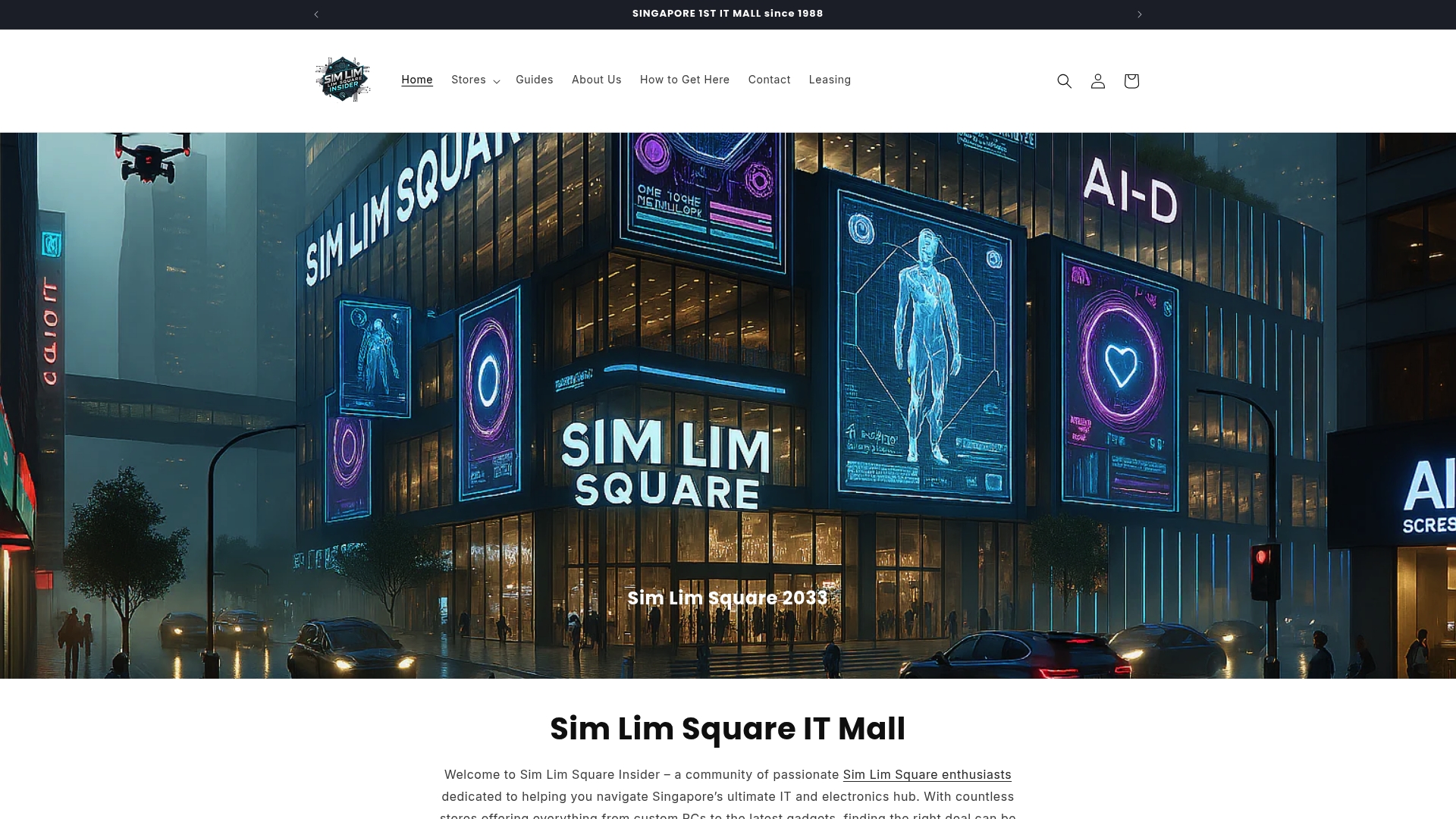
Benefit from Simlimsquareinsider’s community insights and expert guides to find trusted retailers and deals within Sim Lim Square. Visit Simlimsquareinsider to narrow down your options, confirm in-store testing, and plan your shopping with confidence.
FAQ
What features make Simlimsquareinsider ideal for finding gaming PC components?
Simlimsquareinsider provides a multi-level store directory with category filters that help users locate retailers for PC components efficiently. This structure allows for quick searches based on specific electronics needs, enhancing the shopping experience for those looking for gaming hardware.
How does Simlimsquareinsider compare to NZXT for gaming PC components?
NZXT is known for its subscription model that offers regular hardware refreshes, which is perfect for tech enthusiasts who want ongoing upgrades. In contrast, Simlimsquareinsider highlights local retailers where users can physically test components before buying, making it the better option for shoppers who prefer hands-on experiences when selecting gaming PC components.
Can I expect expert reviews when using Simlimsquareinsider to shop for gaming components?
Yes, Simlimsquareinsider features expert insights and buying guides alongside community posts that often include exclusive deals from retailers. This combination ensures that users have access to informed opinions and suggestions while making their purchasing decisions.
Does Simlimsquareinsider support in-person testing of gaming PC components?
Simlimsquareinsider facilitates in-person testing, allowing users to validate the availability and condition of gaming PC components before making a purchase. This feature significantly reduces uncertainty often associated with online shopping.
What advantages does Simlimsquareinsider offer for finding rental opportunities for gaming businesses?
Simlimsquareinsider includes listings for shop rental opportunities, which can benefit small business owners seeking to establish themselves in the gaming retail space. This feature expands its value beyond just shopping for components, also supporting potential entrepreneurs in the gaming industry.