

Top 4 Mobiles Alternatives 2026
Finding hands-on electronics stores that let you test products in person, confirm stock on the same day, and get direct warranty support can stall a tech shopping trip in Singapore. Many online-only retailers ship slowly, block cross-store price checks, or make real-time deal alerts impossible when you need a device immediately. This guide compares in-person directories, brand stores, and creative tech vendors so you can match your preference for in-mall browsing or direct brand support with the way you want to buy.
Table of Contents
Sim Lim Square Insider
At a Glance
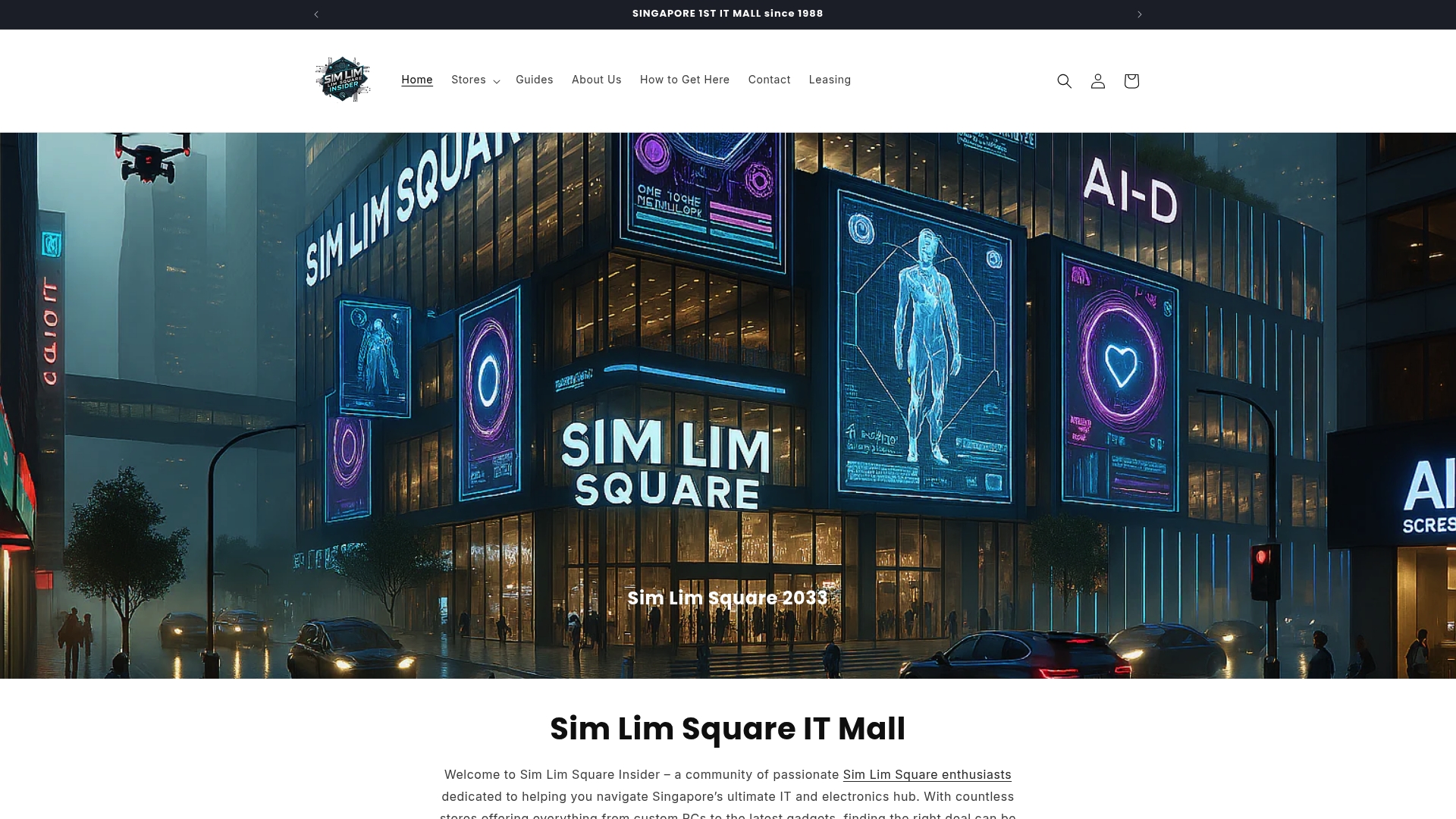
Operating since 1988, Sim Lim Square Insider maps store listings across every level of the mall and centers the shopping experience on testing products in person and getting local warranty support. The site blends store directories, expert guides, and community tips for on-site buying.
Core Features
- Store directory with detailed listings, contact details, and store specialties by floor to make in-person searches faster.
- Expert insights and shopping guides that explain testing priorities, what to check in-store, and how to compare specs side by side.
- Real-time updates on deals and promotions so you know which stores are running offers the same day.
- Community assistance via WhatsApp to locate hard to find items and confirm stock before you travel.
- Leasing information and support for startups and retailers considering space in the mall.
Key Differentiator
An active community paired with real-world store walkthroughs turns a mall visit into a guided research session. Members share on-the-ground discoveries, staff contacts, and live-price checks that the directory links back to, so the platform anchors both planning and the visit itself.
Pros
- The directory lists stores by level and specialty which saves time when you want to test a specific product rather than wandering the mall.
- Guides focus on hands-on checks like thermal behavior, port compatibility, and bundled warranty terms so you leave with verifiable expectations.
- Real-time deal alerts reduce wasted trips by highlighting promotions the same day they run.
- Community WhatsApp assistance is practical for locating rare models or confirming whether a store will hold an item while you arrive.
- The leasing information section is useful for startups and brands that prefer face-to-face retail presence rather than online-only channels.
Cons
- Limited online sales or reservations; the site is primarily a directory and community guide so you usually have to visit stores or call to complete a purchase.
Who It’s For
Shoppers and tech enthusiasts visiting Singapore who value hands-on testing, direct vendor interaction, and local warranty support over buying sight unseen online. Also relevant to startups and retailers exploring leasing options inside the mall.
Unique Value Proposition
A level-by-level directory combined with live community signals shortens the path from research to purchase. Instead of comparing specs across faceless listings, you get store contacts, testing tips, and same-day deal verification that let you confirm compatibility and warranty terms before paying.
Real World Use Case
A professional needs a high performance laptop and wants to test cooling under load and verify local warranty repairs. They use the directory to find three stores on the same level, ping the community WhatsApp to confirm stock and demo units, compare notes from expert guides, then buy in person with confidence.
Website: https://simlimsquareinsider.com
Google Store
At a Glance
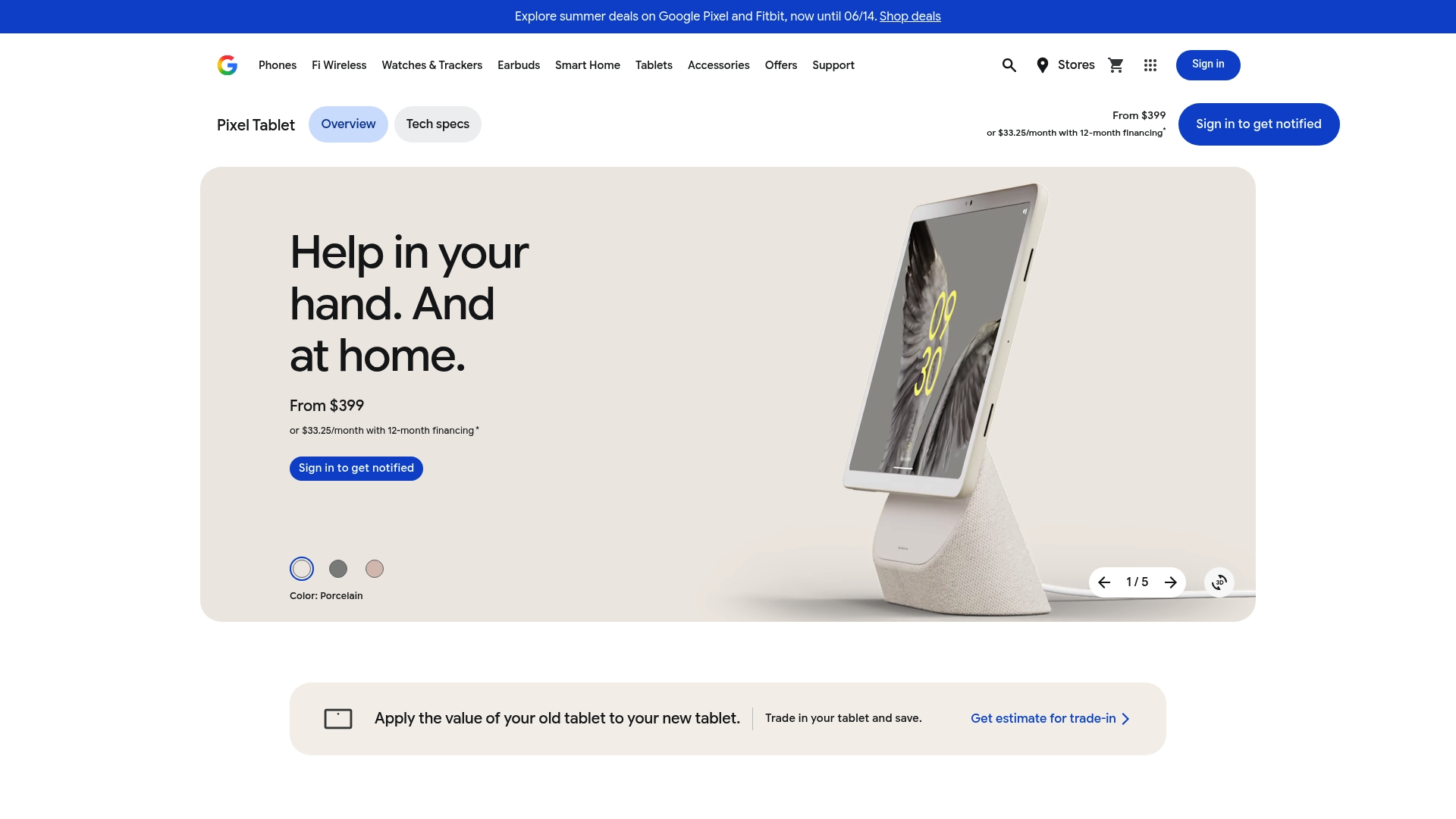
The official Google storefront offers trade-in credit, flexible financing, and Pixel Care+ for device protection, all sold direct to consumers primarily in the United States. It bundles Pixel phones, Nest devices, Fitbit wearables, and Chromecast products under one roof for tight interoperability.
Core Features
- Direct Google brand catalog with phones, tablets, wearables, smart home gear, and accessories.
- Flexible financing, trade-in credit, and device protection through Pixel Care+.
- Smart home integration across Nest and Google Home for unified device control.
- Seasonal bundles and exclusive offers that combine hardware and accessories.
- In-house customer support with repair management and technical assistance.
Key Differentiator
Google Store focuses exclusively on Google ecosystem hardware which makes device pairing and feature compatibility predictable. If you prioritize a tablet that becomes a home control hub or a watch that syncs tightly with Pixel phones, that single-vendor approach reduces trial and error when matching features across devices.
Pros
- Official retail source means you get authentic devices and direct firmware updates from Google, which simplifies long term support and security patches.
- The ecosystem approach makes setup faster. Devices discover and pair via the Google Home app with fewer manual steps than assembling mixed-brand setups.
- Trade-in and financing options lower the upfront cost of upgrades, helping you stagger payments when replacing multiple devices at once.
- In-house support and repair coordination keep warranty and aftercare under one roof, which speeds recovery when a device needs service.
- Bundles and seasonal deals can deliver meaningful savings when you buy a tablet or phone together with a Nest camera or Chromecast.
Cons
- Shipping is mainly limited to select regions, so international buyers outside North America may face access barriers and guest checkout complications.
- Pricing tilts premium across many categories, reflecting brand positioning and tighter integration benefits rather than the lowest market price.
- Product selection is narrower than big multi-brand retailers, so you may not find every accessory or alternative hardware configuration in one place.
- Some smart home categories feel specialized, which can be less helpful if you want a broad mix of third-party ecosystem options.
When It May Not Fit
If you need a broad multi-brand catalog for price comparison or for mixing third-party hubs with Google hardware, this store will feel constrained. If you live outside the supported shipping regions, you will encounter checkout limits and extra shipping steps that complicate a straight purchase.
Who It’s For
Tech-savvy buyers who already use or plan to use Pixel phones, Nest cameras, or Fitbit devices and who value straightforward pairing and cohesive features. Also good for buyers who want bundled offers and centralized support from the device maker.
Real World Use Case
A buyer upgrades a living room with a Pixel Tablet, Nest Cam, and Chromecast. They trade in an older Pixel device for credit, choose financing for the tablet, add Pixel Care+, and use the Google Home app to set the tablet as the home control surface and media hub.
Pricing
Most devices are priced between $199.95 and $999, with financing and trade-in credit available. Seasonal discounts and bundled savings appear during launches and holiday windows, which can lower effective purchase cost when combined with trade-in value.
Website: https://store.google.com/us/product/pixel_tablet
POCO
At a Glance
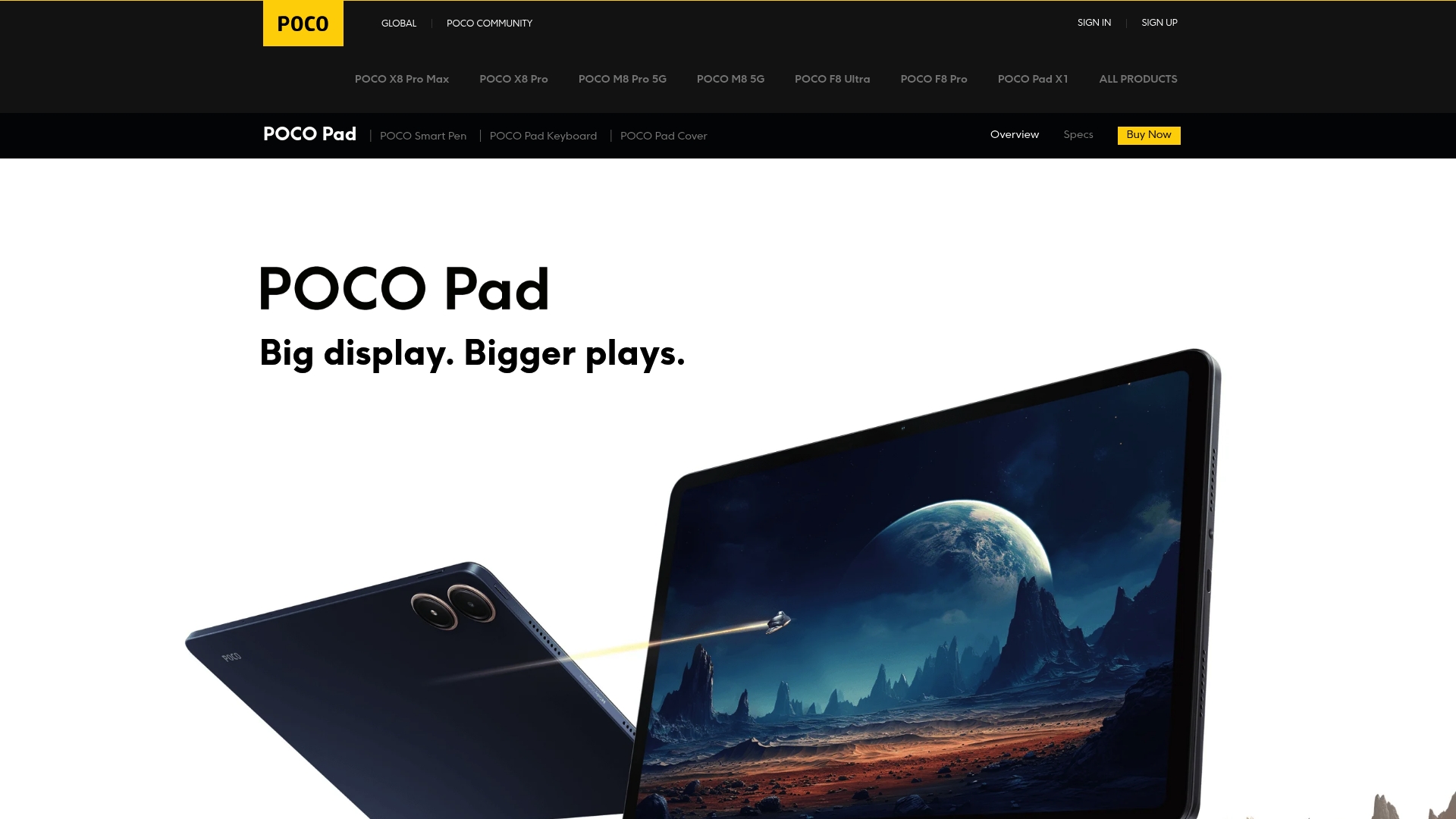
A 12.1-inch 2.5K display with a 120Hz refresh rate and TÜV Rheinland eye protection is POCO’s headline spec for the Pad. POCO’s marketing materials also claim the 10,000mAh battery supports up to 16 hours of video playback, a vendor-stated figure.
Core Features
The POCO Pad centers on a large, high-resolution screen tuned for media and creative work. 12.1-inch 2.5K display at 120Hz delivers clarity and fluid scrolling for videos and sketches.
Performance is driven by the Snapdragon 7s Gen 2 chipset running Xiaomi HyperOS. The tablet packs a 10,000mAh battery with 33W fast charging and four speakers with Dolby Atmos for immersive sound.
Key Differentiator
POCO positions the Pad as a rare value play: a premium-feeling display and deep Xiaomi ecosystem ties at a price point pitched below flagship tablets. That combination aims to give media lovers and casual creators tablet-grade screen and speaker hardware without flagship pricing.
Pros
-
Excellent display quality. The high-resolution panel and 120Hz refresh make video, reading, and stylus work feel noticeably smoother.
-
Strong everyday performance. The Snapdragon chipset handles light gaming, multiple apps, and creative sketching without stuttering.
-
Solid multimedia setup. Four speakers with Dolby Atmos and a headphone jack deliver fuller sound than many mid-range tablets.
-
Durable, modern build. Reported build quality includes Gorilla Glass protection and a slim metal-like finish that looks and feels premium.
-
Long run times on paper. The 10,000mAh pack plus 33W fast charging supports extended use as the vendor advertises, helpful for long study or travel days.
Cons
-
Battery reliability varies. Several users report inconsistent battery performance, so real-world endurance can differ from POCO’s marketing claim.
-
Software can feel rough. The interface mixes HyperOS customizations that some users find clunky and occasionally sluggish.
-
Not built for heavy work. The hardware suits media and light productivity but is not aimed at intensive photo editing, large video projects, or high-end gaming.
When It May Not Fit
If you need a tablet for sustained professional workloads or desktop-class multitasking, the POCO Pad is the wrong tool. Also avoid it if consistent battery duration is mission critical for your daily workflow, since reported variability affects portability.
Who It’s For
Budget-conscious media consumers and casual creators who want a large, high-refresh display, good speakers, and ecosystem convenience. It fits students, commuters, and anyone who values screen and sound for streaming and note taking more than raw compute power.
Real World Use Case
A student uses the POCO Pad for online lectures, takes notes with a responsive stylus, and watches movies between study sessions. The bright, smooth display makes long reading stretches easier, while the quad speakers provide room-filling audio during group video calls.
Pricing
POCO does not list explicit retail pricing on the product page. The Pad is positioned as a budget-friendly premium tablet, comparable to mid-range competitors, and typically ships with competitively priced accessories and optional upgrades according to regional offers.
Website: https://po.co/global/product/poco-pad
Nubia
At a Glance
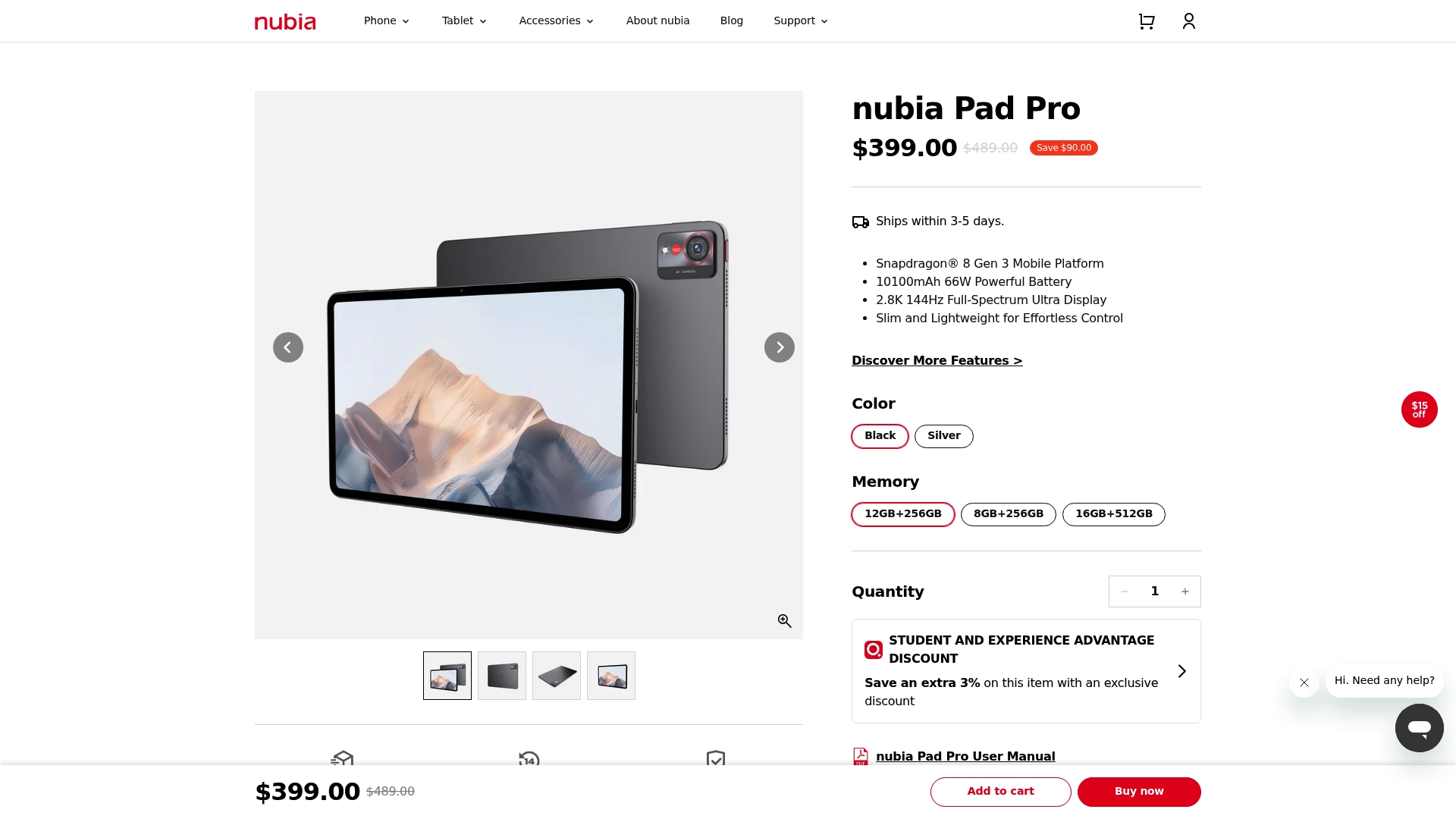
Nubia ships tablets that pair a glasses free 3D display with flagship Snapdragon processors, a combination rarely seen in mainstream tablets. The lineup emphasizes mobile photography, immersive media, and long lasting batteries for extended on the go use.
Core Features
- Snapdragon processors deliver flagship performance for gaming and editing on the device.
- Glasses free 3D display provides an immersive viewing option without extra hardware.
- Long lasting batteries with fast charging support long streaming and content creation sessions.
- Advanced camera systems aimed at mobile photography and videography for creators.
- Global shipping and localized storefronts make buying and support simpler across regions.
Key Differentiator
Nubia stands out by combining a glasses free 3D display with premium hardware and advanced camera systems, producing a multimedia focused tablet experience. That blend of display novelty plus photographic capability is the brand’s central angle versus conventional high end tablets.
Pros
- Impressive battery life keeps editing and streaming sessions going longer than typical tablets. Fast charging reduces downtime between shoots.
- The glasses free 3D display creates a distinct, immersive effect for compatible media and demos that grabs attention in client presentations.
- Strong camera hardware supports high quality mobile photography and video capture for social content or quick field shoots.
- Premium materials and a sleek aesthetic make the device feel like a true flagship when you hold it.
- Localized storefronts and global shipping broaden availability and simplify repairs or returns in several markets.
Cons
- The user interface can feel clunky or unrefined according to user reviews, which interferes with a polished daily workflow for some buyers.
- The app ecosystem for specialized multitasking and niche creative tools is limited compared to larger tablet platforms.
- Large form factor makes handheld use cumbersome for extended single handed sessions or one handed reading.
- Some users perceive the software experience as unpolished, which can affect reliability for professional workflows.
When It May Not Fit
If you need access to a deep app ecosystem for pro level multitasking, Nubia is likely a poor match. If you prefer a compact tablet for one handed use, the device size may feel unwieldy. Those two scenarios are the clearest mismatches.
Who It’s For
Tech savvy content creators and multimedia enthusiasts who prioritize experimental displays and advanced camera systems. It suits power users who value battery longevity and flagship processing for gaming or on device editing.
Real World Use Case
A creative professional uses a Nubia tablet for client previews and on site edits. They stream 3D proof of concept footage on the glasses free display, shoot behind the scenes video with the tablet camera, and rely on fast charging between location changes.
Pricing
Most Nubia devices range from $399 to over $819 depending on model and specifications. Optional accessories and bundles add to the final purchase cost.
Website: https://intl.nubia.com/products/nubia-pad-pro
Comparing Electronics Malls and Product Ecosystems
Choosing the right electronics mall or online platform involves considering the balance between hands-on experiences and the convenience of online ecosystems. We explored four distinct options: Sim Lim Square Insider, Google Store, POCO Pad, and Nubia Pad to clarify their differences.
Tailored for Physical Interaction vs. Online Ecosystems
Sim Lim Square Insider excels in facilitating in-person product assessment within a mall setting. The platform includes detailed store directories, real-time community insights, and expert guides, benefiting shoppers who prioritize verifying specifications through hands-on testing. Conversely, the Google Store delivers streamlined online purchasing with hardware support exclusive to Google’s ecosystem. These stores demonstrate a contrast between physical interactivity and digital convenience, depending on the shopper’s needs.
Best Price-to-Features Matchups
When value for performance is considered, the POCO Pad offers a multimedia configuration at an accessible price point, targeting creators and media consumers on a budget. Similarly, the Nubia Pad’s standout feature is its glasses-free 3D display paired with high-end processors, making it an appealing choice for content creators seeking novelty and power. Sim Lim Square Insider complements them by framing diverse outlet listings, enabling price-based comparisons within a single venue.
Best Fit
- Ideal for shoppers seeking examples of hardware verified physically before purchase, the Sim Lim Square Insider community provides floor-organized vendor directories and tips for hands-on demonstrations.
- For committed Google users, the Google Store brings tightly integrated device offerings and services with ecosystem synchronization.
- Individuals focused on creative productivity with budget considerations might select the POCO Pad for its smoothly integrated multimedia capabilities.
- Content creators passionate about immersive visuals could choose the Nubia Pad, emphasizing bold new technology in its display.
Our Pick
Sim Lim Square Insider stands out as a platform equipped for electronics enthusiasts planning focused in-mall visits that incorporate real-time insights for a structured shopping approach. For those unable to physically visit or existing within a different ecosystem, the competitors outlined cater effectively to their respective specialized profiles.
Electronics Malls and Outlets Comparison
Explore the highlights and limitations of various electronics purchasing platforms based on local engagement, product offerings, and value-added features.
| Product/Platform | Key Features | Unique Differentiator | Best For | Pricing | Notable Limitation |
|---|---|---|---|---|---|
| Sim Lim Square Insider | In-depth store directory, real-time deal updates, local warranty | Combines community engagement and onsite planning guidance | Shoppers prioritizing local testing and interaction | Not disclosed | Offers directory and guidance but lacks online purchasing |
| Google Store | Google brand-exclusive devices, trade-in, and financing | Centralized support and deep ecosystem integration | Tech-savvy consumers favoring Google’s ecosystem | $199.95–$999 | Limited international shipping, narrow third-party options |
| POCO | High-performance screen and battery, Dolby Atmos speakers | Combines premium display experience with affordable pricing | Budget-oriented media consumers | Not disclosed | Battery reliability varies under long or heavy use |
| Nubia | Glasses-free 3D display, potent cameras | Combines innovative display technology with comprehensive camera systems | Creatives seeking unique visual and capture capabilities | $399–$819 | Limited app ecosystem for professional applications |
Discover the Best Places to Explore Top Mobile Alternatives in 2026
Choosing the right mobile device can feel overwhelming with so many options emerging every year. Whether you are hunting for the latest features, reliable local warranty, or trying to test devices in person before buying, Simlimsquareinsider offers exactly what you need. This platform focuses on key shopper needs such as in-store testing, expert advice, and real-time deal updates that help you make confident decisions.
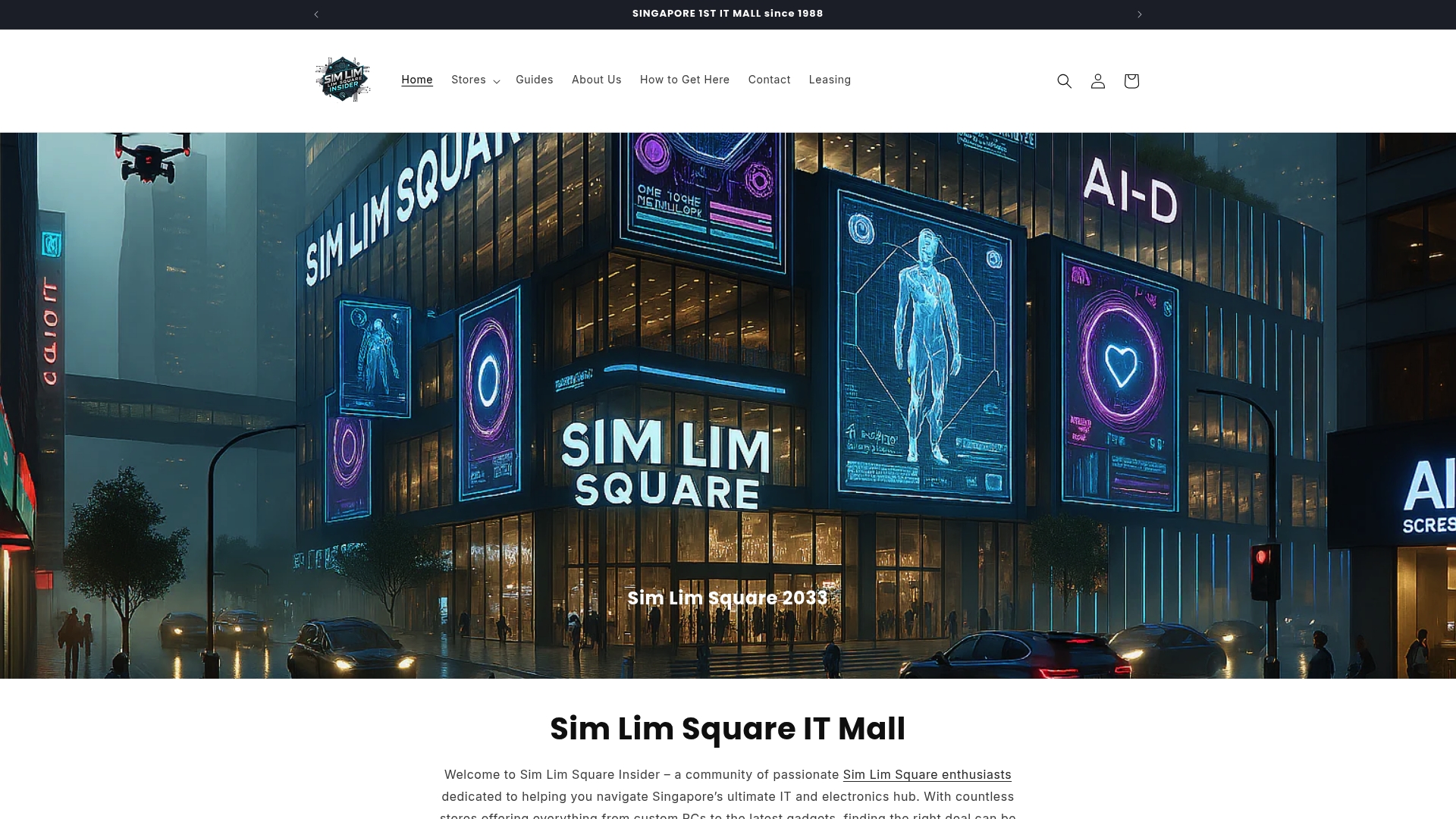
Explore detailed listings of stores specializing in mobiles and more across Singapore’s renowned Sim Lim Square. Save time by using the level-by-level directory, get direct contact info for shops, and take advantage of local warranty support all in one place. Visit Simlimsquareinsider today to connect with community tips and find exclusive promotions that simplify your mobile shopping experience.
Frequently Asked Questions
How does SimLim Square Insider support shoppers looking to test products in person?
SimLim Square Insider provides a detailed store directory that allows shoppers to quickly locate stores by floor and specialty. This feature saves time for those who want to test specific products before making a purchase. You can use the directory to plan your visit and ensure you get the most out of your shopping experience.
What is the difference between using SimLim Square Insider and other electronic mall directories?
While other directories may offer basic lists of stores, SimLim Square Insider combines an active community with real-time updates on deals and promotions. This unique mix enhances the shopping experience by providing practical, on-the-ground tips and live price checks. Choose SimLim Square Insider for a more informed in-person shopping experience.
Which platform offers the best community support for locating rare items in the mall?
SimLim Square Insider stands out for its community assistance via WhatsApp, allowing users to confirm stock and locate hard-to-find items before visiting stores. This practicality increases the chances of finding exactly what you need quickly and efficiently compared to using generic electronic mall directories.
Can I use SimLim Square Insider to compare warranty terms on products directly in-store?
Yes, SimLim Square Insider provides expert insights and guides that explain warranty terms, which lets you verify the conditions in-store. This feature ensures that you leave with clear expectations regarding warranty support, making it easier to make informed purchases.
How does SimLim Square Insider help with leasing information for potential retailers?
SimLim Square Insider includes a leasing information section for startups and retailers interested in securing space in the mall. This resource is valuable for those looking to establish a physical presence rather than operating solely online.