

Mobile Repair Shop Guide: Fast Fixes and Quality Parts
TL;DR:
- Mobile repair shops diagnose and fix smartphones with certified technicians and genuine parts.
- They offer quick service, transparent pricing, and handle common repairs like screen and battery replacements.
A mobile repair shop is a specialized service provider that diagnoses and fixes smartphones, tablets, and other mobile devices using certified technicians and quality parts. The best shops combine fast turnaround, transparent pricing, and genuine or OEM-grade components to restore your device to full working condition. Screen replacements, battery swaps, water damage recovery, and software troubleshooting are the core services you will find at any reputable provider. Simlimsquareinsider connects customers in Singapore with trusted repair options at Sim Lim Square, where multiple shops offer professional mobile device repair under one roof.
1. What services does a mobile repair shop offer?
Phone repair shops cover a wider range of fixes than most customers realize. Screen replacement and battery replacement are the two most requested services, but a full-service shop also handles water damage recovery, charging port repairs, camera module replacements, and software troubleshooting.
Most common repairs fall into these categories:
- Screen replacement: Cracked or unresponsive displays, including OLED and LCD panels
- Battery replacement: Swollen, draining, or non-charging batteries
- Water damage treatment: Ultrasonic cleaning and component drying
- Software fixes: Factory resets, OS updates, bootloop recovery
- Port and button repairs: USB-C, Lightning, volume, and power buttons
- Camera repairs: Lens replacements and module swaps
Same-day service is standard for most screen and battery jobs. Repair turnaround times for common fixes run 30–60 minutes at professional shops, with technicians arriving within 60–90 minutes for on-site bookings. Complex repairs like motherboard work or water damage recovery take longer, typically 24–48 hours.
Pro Tip: Ask the shop whether they offer a free diagnostic before committing to a repair. Most reputable shops will assess your device at no charge and provide a written quote before touching it.
2. How much do repairs typically cost?
Repair pricing depends on three factors: device model, display technology, and part grade. Budget Android phones with LCD screens cost the least to fix. Flagship OLED models from Apple or Samsung cost significantly more.
Screen repair costs range from $29–$79 for budget Android devices to $149–$329 for flagship OLED models. That range reflects the difference in part cost, not just labor. A shop using genuine OEM parts will charge more than one using aftermarket components, and that price difference is usually worth it for high-end devices.
Here is a general cost breakdown by repair type:
| Repair Type | Budget Device | Flagship Device |
|---|---|---|
| Screen replacement | $29–$79 | $149–$329 |
| Battery replacement | $20–$40 | $50–$100 |
| Charging port repair | $25–$50 | $60–$120 |
| Water damage treatment | $45–$80 | $80–$150 |
| Camera module swap | $30–$60 | $80–$180 |
Key pricing factors to keep in mind:
- Part grade: OEM parts cost more but preserve original display quality
- Labor rates: Vary by shop experience and certification level
- Warranty included: Shops offering 30–90 day warranties on parts and labor signal higher confidence in their work
- Written quotes: Always get one before authorizing any repair
Repair cost-effectiveness has a clear threshold. If the total repair bill exceeds 50% of your device’s current resale value, replacing the phone is usually the smarter financial decision. That rule applies regardless of brand or model.
3. What to expect from the repair process
A professional repair shop follows a consistent four-step process. Knowing each step helps you avoid surprises and ask the right questions.
- Drop-off or booking: You bring the device in or schedule an on-site visit. The shop logs your device details and contact information.
- Free diagnostic: A technician inspects the device and identifies all faults, not just the obvious ones. This step produces a written quote.
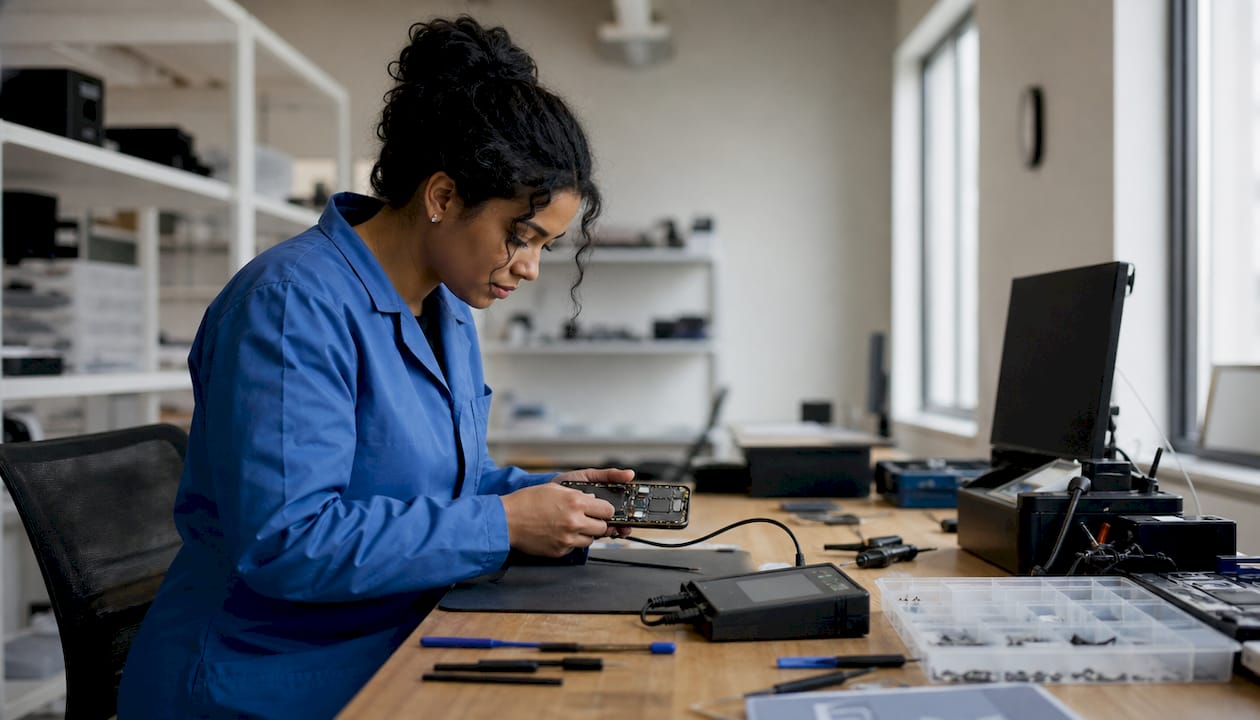
- The repair: The technician replaces or fixes the faulty component using the agreed parts. For screen jobs, this includes transferring biometric sensors and testing adhesion.
- Post-repair testing: The shop verifies touchscreen response, camera function, Face ID or fingerprint sensors, speaker output, and charging before returning the device.
The standard repair workflow includes documented quoting and comprehensive post-repair testing to guarantee device functionality. Most providers back their work with 30–90 day warranties on both parts and labor. That warranty window is your safety net if a fault reappears after the repair.
Pro Tip: Back up your data before dropping off any device. Even routine screen repairs can occasionally trigger software resets, and a backup takes less than five minutes to create.
The electronics repair process at Sim Lim Square follows this same four-step structure, giving customers clear expectations from drop-off to pickup.
4. OEM vs. aftermarket vs. DIY: what’s the real difference?
Part quality is the single biggest variable in repair outcomes. Shops grade their parts into three categories: genuine OEM, pulled OEM, and aftermarket. Each has a different price point and a different risk profile.
Genuine OEM parts come directly from the original manufacturer or authorized supply chains. For iPhones, using genuine Apple parts preserves display features like True Tone, brightness calibration, and Face ID pairing. Non-genuine screens trigger software warnings on newer iPhones and disable certain display functions unless the shop uses Apple’s Repair Assistant software to pair the new screen. That is a technical step many budget shops skip.
Aftermarket parts cost less but carry real trade-offs. Lower brightness, poor outdoor visibility, and touch ghosting are common complaints. For a $200 Android phone, aftermarket parts make sense. For a $1,200 flagship, they do not.
DIY repair is a third option that saves 50–70% compared to professional shops. The savings are real, but so are the risks. Modern smartphone displays use fused glass and touch layers with biometric hardware that requires specialized tools to transfer safely. Common DIY mistakes include losing tiny screws, damaging fingerprint sensors, and cracking the new screen during installation.
For safe DIY phone repairs, you need a magnetic parts tray, precision screwdrivers, a spudger set, and labeled tape to track every screw. Without those tools, the risk of compounding the damage is high. DIY makes the most sense for older, lower-value devices where professional repair costs approach the phone’s resale value.
5. How to choose the right repair shop
Not every shop that advertises smartphone repair services delivers the same quality. These criteria separate reliable providers from risky ones.
- Technician certification: Look for shops with trained technicians who can demonstrate experience with your specific device brand and model.
- Part grade transparency: A trustworthy shop tells you upfront whether they use OEM, pulled OEM, or aftermarket parts. If they dodge the question, walk away.
- Written quotes: Any shop that starts work without a written estimate is not operating professionally.
- Warranty coverage: A minimum 30-day warranty on parts and labor is the industry standard. Ninety days is better.
- Turnaround time: For screen and battery jobs, same-day completion is reasonable. If a shop quotes a week for a screen swap, look elsewhere.
- Verified reviews: Check Google reviews and community forums for consistent feedback on quality and honesty, not just speed.
- Walk-in availability: Shops that accept walk-ins signal confidence in their capacity and workflow.
Independent certified shops using genuine parts provide repairs that are as safe and reliable as authorized service centers, often at lower prices. Independent shops offering genuine OEM parts typically charge 20–40% less than manufacturer service centers for the same quality of work. That price gap is significant on high-end device repairs.
Pro Tip: Ask the shop to show you the replacement part before the repair begins. A reputable technician will have no problem letting you see the part grade and confirm it matches your quote.
For a deeper look at repair cost factors and how part quality affects your final bill, it helps to understand what drives pricing before you walk into any shop.
Key takeaways
The most reliable mobile device repair combines OEM-grade parts, certified technicians, a written quote, and a minimum 30-day warranty on parts and labor.
| Point | Details |
|---|---|
| Repair cost threshold | If repair costs exceed 50% of resale value, replacing the device is smarter. |
| Part quality matters | OEM parts preserve display features; aftermarket parts risk reduced brightness and touch issues. |
| Turnaround expectations | Most screen and battery repairs finish in 30–60 minutes at a professional shop. |
| Always get a written quote | Confirm part grade and total cost before authorizing any work. |
| DIY has real risks | Saving 50–70% on DIY repairs is possible, but biometric sensor damage is a common and costly mistake. |
What I’ve learned from watching hundreds of phone repairs
By Aloysius
The biggest mistake I see customers make is treating a repair shop visit like a gamble. They accept the lowest quote without asking what parts the shop uses, then wonder why their screen looks washed out three weeks later. Price is not the problem. Ignorance of part grade is.
Repairs are routine maintenance, not a last resort. A cracked screen left unfixed lets moisture into the device and turns a $60 fix into a $200 water damage job. Treating your phone like a piece of equipment that needs regular upkeep changes how you approach every repair decision.
The second thing I always tell people: back up your data before you hand over the device. Not because shops are careless, but because complex repairs occasionally trigger resets. A five-minute iCloud or Google backup eliminates that risk entirely.
My honest take on DIY repairs is this: they work well on older, lower-value devices where the math clearly favors self-repair. On anything with Face ID, an OLED display, or a fused glass assembly, the risk of damaging a $150 biometric sensor to save $80 on labor is not a good trade. Know your limits, and know your device’s value before you pick up a screwdriver.
— Aloysius
Trusted repair services at Sim Lim Square
Sim Lim Square is Singapore’s most established destination for electronics retail and repair, with multiple shops offering professional smartphone repair services across its floors. Customers get access to certified technicians, OEM-grade parts, same-day turnaround on common fixes, and transparent written quotes before any work begins.

Simlimsquareinsider makes it easy to find the right repair provider without guesswork. The platform’s mobile repair directory lists verified shops with service details, warranty information, and customer feedback. Whether you need a phone screen replacement, a battery swap, or a water damage assessment, Simlimsquareinsider connects you with shops that meet a clear standard for quality and speed.
FAQ
What is a mobile repair shop?
A mobile repair shop is a service center that diagnoses and repairs smartphones, tablets, and other mobile devices using trained technicians and replacement parts. Services typically include screen replacement, battery swaps, water damage treatment, and software troubleshooting.
How long does a typical phone screen replacement take?
Most professional shops complete a screen replacement in 30–60 minutes for common models. Complex repairs or less common devices may take longer, up to 24 hours.
Are OEM parts worth the extra cost?
OEM parts preserve original display features like True Tone, color accuracy, and biometric pairing. For flagship devices, the quality difference over aftermarket parts justifies the higher price.
How do I know if a repair shop is trustworthy?
Look for shops that provide a free diagnostic, give written quotes before starting work, disclose part grades, and offer at least a 30-day warranty on parts and labor.
When should I replace my phone instead of repairing it?
If the total repair cost exceeds 50% of your device’s current resale value, replacement is usually the more cost-effective choice.
Recommended
- Electronics Maintenance Services: Your 2026 Device Care Guide – Sim Lim Square Insider
- In-store tech support at Sim Lim Square explained – Sim Lim Square Insider
- Laptop Repair in 2026: Fix It Smart, Save More – Sim Lim Square Insider
- Electronics Repair Process at Sim Lim Square: Your Guide – Sim Lim Square Insider